

So, you've just navigated through an intense mission in *Ready or Not*, taking down all the adversaries, rescuing hostages, and ticking off every box on your checklist. But then, out of the blue, you're hit with a "Mission Not Complete" message. Frustrating, isn't it? Don't worry; you're not alone. Here's a step-by-step guide on how to fix the "Mission Not Complete" issue in *Ready or Not*.
1. Double-Check Your Objectives
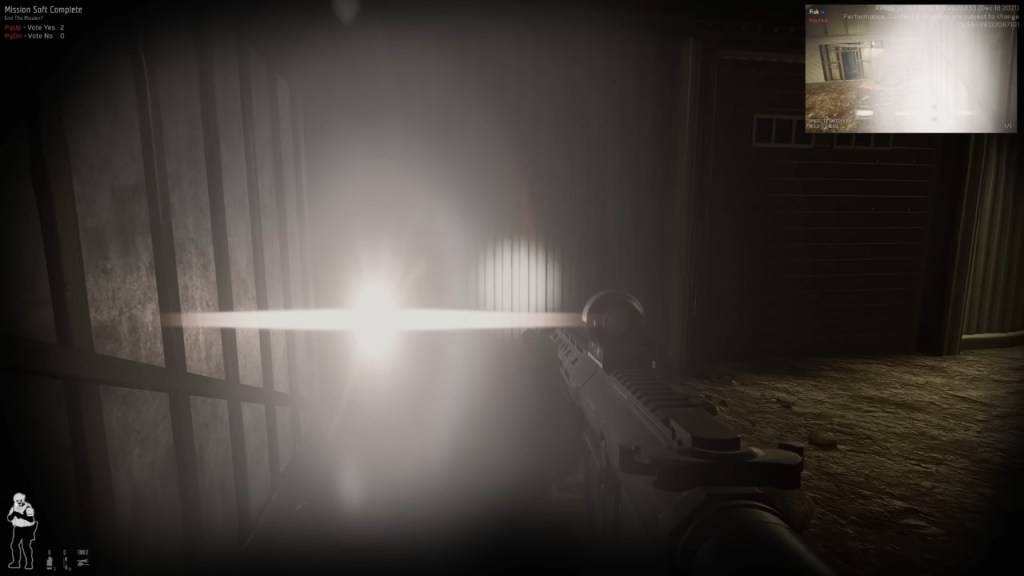
The first step is to review your objectives meticulously. Even if you believe you've done everything right, the game might have other thoughts. If all objectives aren't met, you can still opt to end the mission via a vote.
How to Check:
- Press the Tab button to access the mission menu and review the objective list. Look out for any objectives marked in red or listed as incomplete.
- Some commonly overlooked tasks include:
- Reporting downed suspects or civilians: You must report any incapacitated or killed suspects by interacting with them (default key: F). The same goes for civilians.
- Securing evidence (weapons, bombs, etc.): Ensure you pick up any weapons dropped by suspects.
- Completing optional objectives: Extra tasks like disabling security systems might be necessary for mission completion.
- Ensuring all hostages are safe: Make sure every civilian is properly rescued and no one is left tied up.
- Fix: Revisit the map to ensure nothing was missed.
For a comprehensive list of objectives, check out our guide on All Soft Objectives in Ready or Not.
2. The Vote-to-End Issue (Multiplayer)
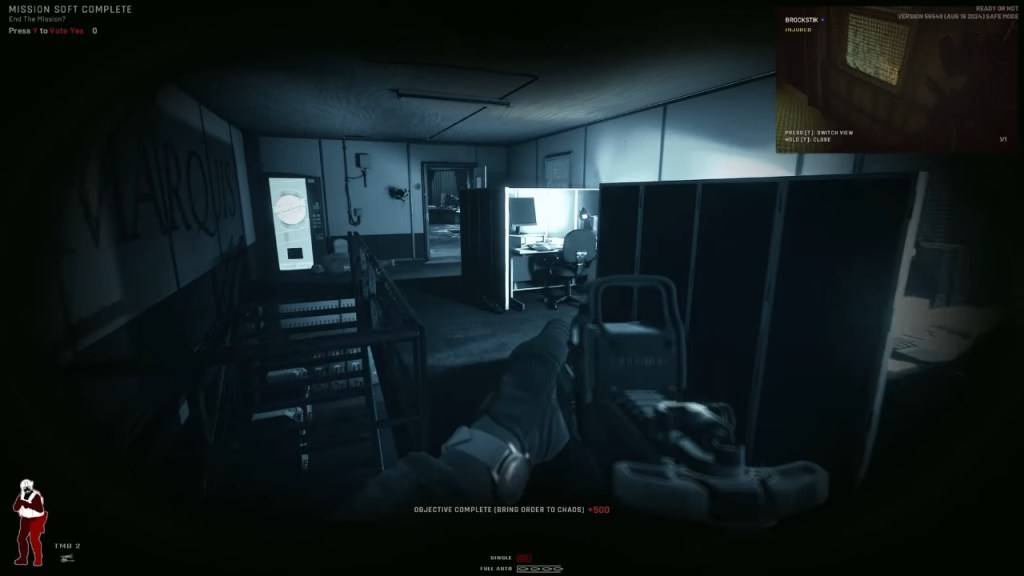
This issue often catches players off guard in co-op mode. In *Ready or Not*, every team member must vote to end the mission. If even one player misses the vote prompt, you'll be stuck with the "Mission Not Complete" error.
How to Fix:
- Ensure all players press Y (default key) when the vote prompt appears.
- Remind any player who might have missed it through voice or text chat.
- If a player is AFK, you may need to wait or consider kicking them from the session.
- For connectivity issues, refer to our guide on how to fix 'Can't Connect to Host' in *Ready or Not*.
- If the vote screen isn't visible to some players, restarting the mission might be necessary.
3. Objective Bugs
At times, you might have completed all tasks, yet the game fails to recognize your achievements.
Common Bugs:
- The game doesn't register secured weapons.
- A rescued hostage isn't counted.
- An objective remains incomplete despite meeting all conditions.
How to Fix:
- Restart the mission and attempt it again.
- In multiplayer, try switching the host as different players may experience different objective recognition.
- Verify your game files: Go to Steam > Right-click *Ready or Not* > Properties > Local Files > Verify Integrity of Game Files. This can resolve issues caused by missing or corrupted files.
The Classic ‘Restart and Hope’ Method
If all else fails, sometimes the only option is to restart the mission. While not ideal, *Ready or Not* is still in development, and such bugs are not uncommon. If a mission stubbornly refuses to complete, restarting often provides the quickest resolution.
And that's how you tackle the "Mission Not Complete" issue in *Ready or Not*. Remember, patience and thoroughness are key to overcoming these challenges.
Ready or Not is available now on PC.
 Latest Downloads
 Downlaod




 Top News








