

Identifying Ghosts in Demonology can quickly become a guessing game if you aren't leveraging the full range of available equipment. To ensure you're always one step ahead, dive into our comprehensive Demonology equipment guide below.
How to Buy and Use Equipment in Demonology
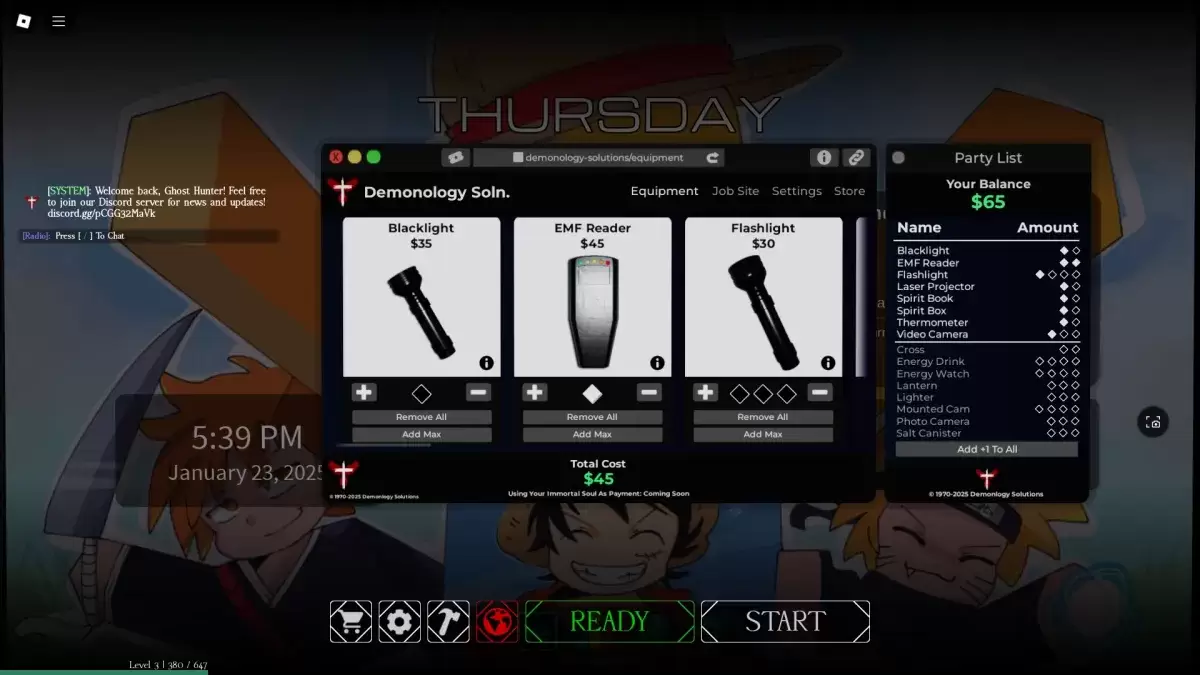
Evidence Equipment in Demonology
Evidence equipment is crucial for identifying Ghosts in Demonology. These tools are primarily used to gather the evidence necessary to pinpoint the type of Ghost you're facing. For a deeper dive into Ghost identification, check out our dedicated guide. Additionally, evidence equipment can be employed to entice Ghosts to manifest, making it easier to capture their images.
| Item | Use | Party limit | Price |
|---|---|---|---|
| **Blacklight** | • Activate the Blacklight to search for fingerprints, handprints, or footprints left by Ghosts. | 2 | $35 |
| **EMF Reader** | • Use the EMF Reader to detect Ghost activity nearby. It lights up and emits a sound when a Ghost is close. Drop it to use as a perimeter scanner. | 2 | $45 |
| **Laser Projector** | • Turn on the Laser Projector and place it to emit beams that highlight any moving Ghosts. | 2 | $65 |
| **Spirit Book** | • Leave the Spirit Book on the ground. If a Ghost that leaves Spirit Book evidence is nearby, it will write in it. | 2 | $40 |
| **Spirit Box** | • Use the Spirit Box to communicate with nearby Ghosts through various dialogue options, though they may not always respond. | 2 | $50 |
| **Thermometer** | • Check the current temperature with the Thermometer. Normal room temperature is 15-19 degrees; deviations may indicate a Ghost's presence. | 2 | $30 |
| **Video Camera** | • Use the Video Camera to view Ghost Orbs. Place it on the ground and monitor it via the PC at the spawn point. | 3 | $50 |
Optional Equipment in Demonology
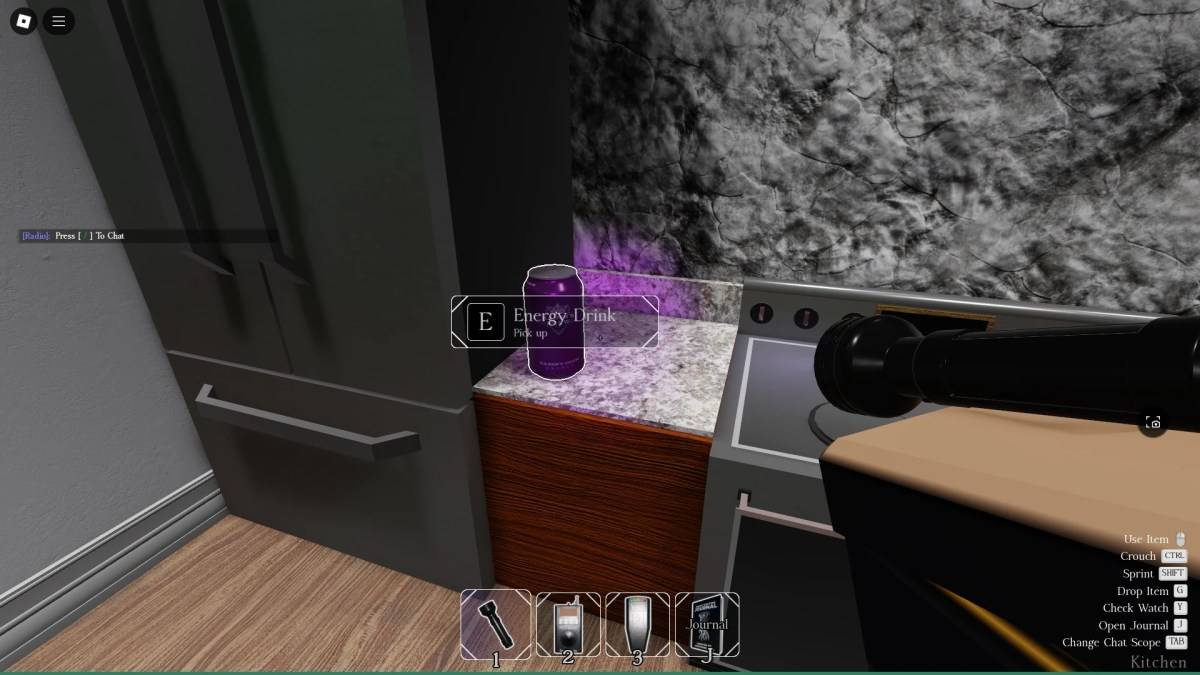
Optional equipment in Demonology enhances your survival chances and helps you achieve secondary mission objectives. As with all equipment, there's a limit to how many you can take into a run as a party.
| Item | Use | Party limit | Price |
|---|---|---|---|
| Flashlight | • Use the Flashlight to illuminate the area in front of you. | 4 | $30 |
| Cross | • Use the Cross to repel a Ghost during a hunt. | 2 | $30 |
| Energy Drink | • Consume the Energy Drink to replenish some Energy. | 4 | $30 |
| Energy Watch | • Check your remaining Energy with the Energy Watch. | 4 | $50 |
| Lantern | • Hold the Lantern to prevent passive Energy drain. | 3 | $15 |
| Lighter | • Use the Lighter to ignite the Lantern, candles, or as a light source. | 3 | $10 |
| Mounted Cam | • Similar to the Video Camera, but can be used with other items. Monitor it via the PC at the spawn point. | 4 | $50 |
| Photo Camera | • Use the Photo Camera to capture images of Ghosts and other objects, aiding in completing optional objectives. | 3 | $40 |
| Salt Canister | • Use Salt Canisters to ward off some Ghosts and secure handprint evidence. | 3 | $15 |
That covers everything you need to know about equipment in Demonology. For more Roblox guides, be sure to visit the Roblox guides section on Escapist.
 Latest Downloads
 Downlaod


 Top News








