

Dynasty Warriors: Origins offers a challenging yet rewarding hack-and-slash experience, but its difficulty can be daunting for newcomers. This guide helps you choose the right difficulty setting.
Quick Links
All Dynasty Warriors: Origins Difficulty Settings
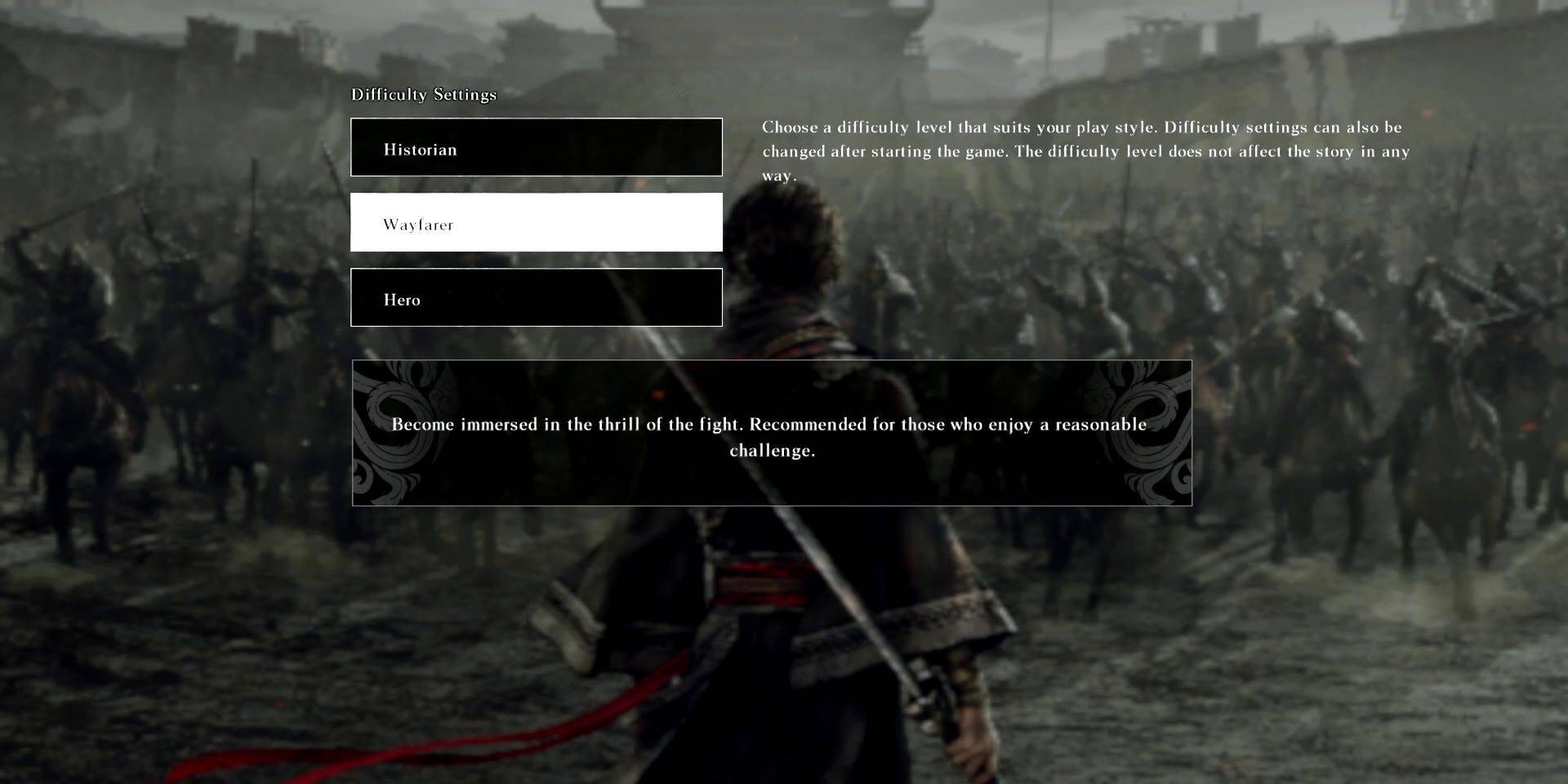 Four difficulty levels are available: Historian (easy), Wayfarer (normal), Hero (hard), and Ultimate Warrior (very hard). Initially, only Historian, Wayfarer, and Hero are accessible. Ultimate Warrior unlocks after completing a faction's main scenario. Note that completing a battle on Ultimate Warrior earns a Trophy/Achievement, but campaign completion doesn't have difficulty-specific awards.
Which Dynasty Warriors: Origins Difficulty Setting is Best?
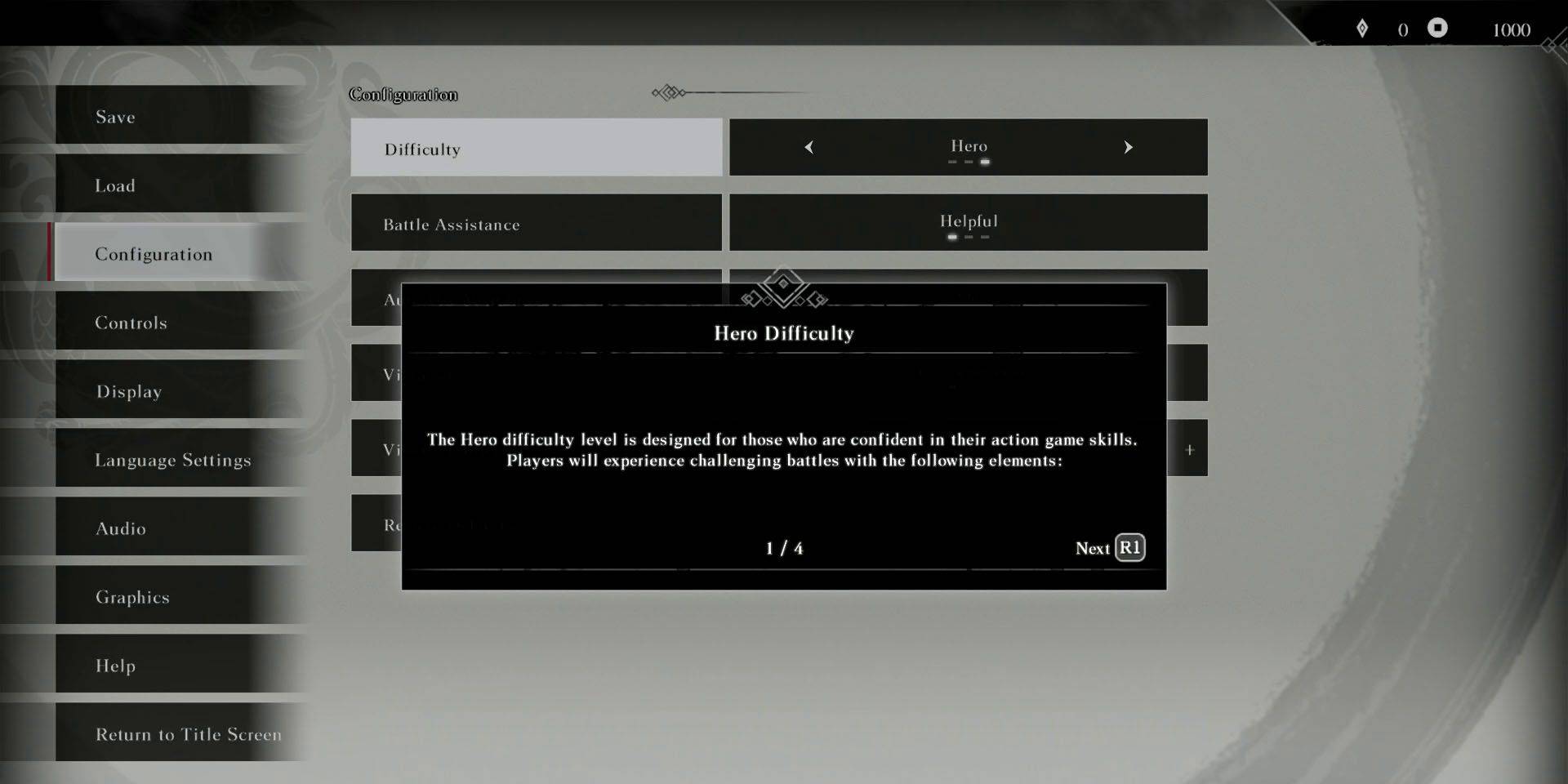 The ideal setting depends on your skill and desired challenge. Historian is perfect for newcomers or those prioritizing story over intense combat. Wayfarer provides a balanced experience suitable for most players, even those with limited Musou experience. Hero is recommended for series veterans seeking a greater challenge. Musou masters should try Ultimate Warrior after unlocking it for an even more demanding playthrough.
You can adjust the difficulty between battles via the in-game menu without affecting the storyline.
Difficulty Mode Differences in Dynasty Warriors: Origins
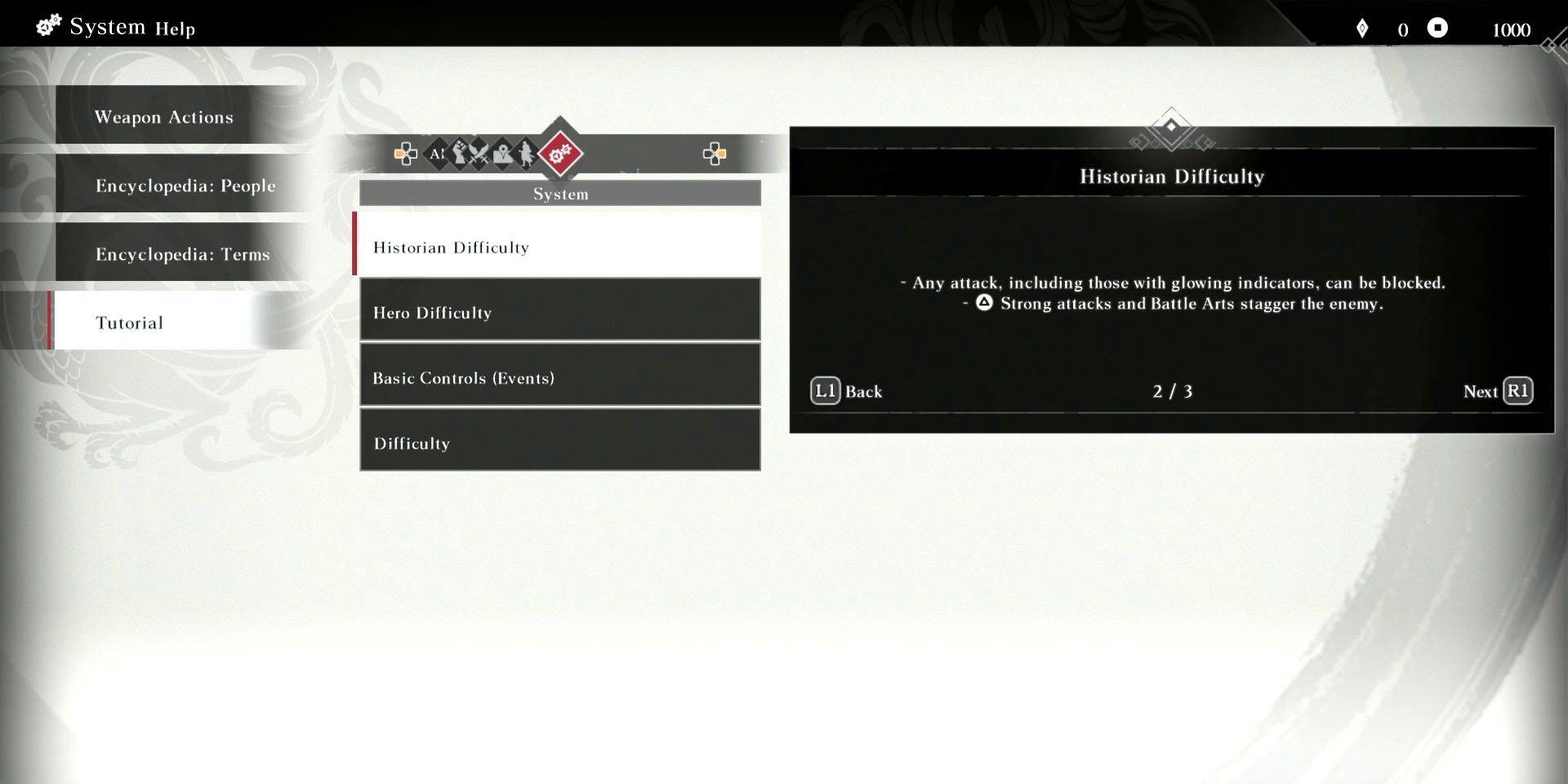 Historian simplifies combat; all enemy attacks are easily blocked, staggering enemies and filling the Musou Gauge is easier. Hero increases enemy strength and aggression, reduces parry/evade windows, and removes Meat Bun drops. Blocking depletes bravery, army influence time is shorter, and rewards (Skill Points and gold) are reduced. Ultimate Warrior intensifies Hero's challenges with even tighter timing and significantly lower rewards.
 Latest Downloads
 Downlaod




 Top News








