

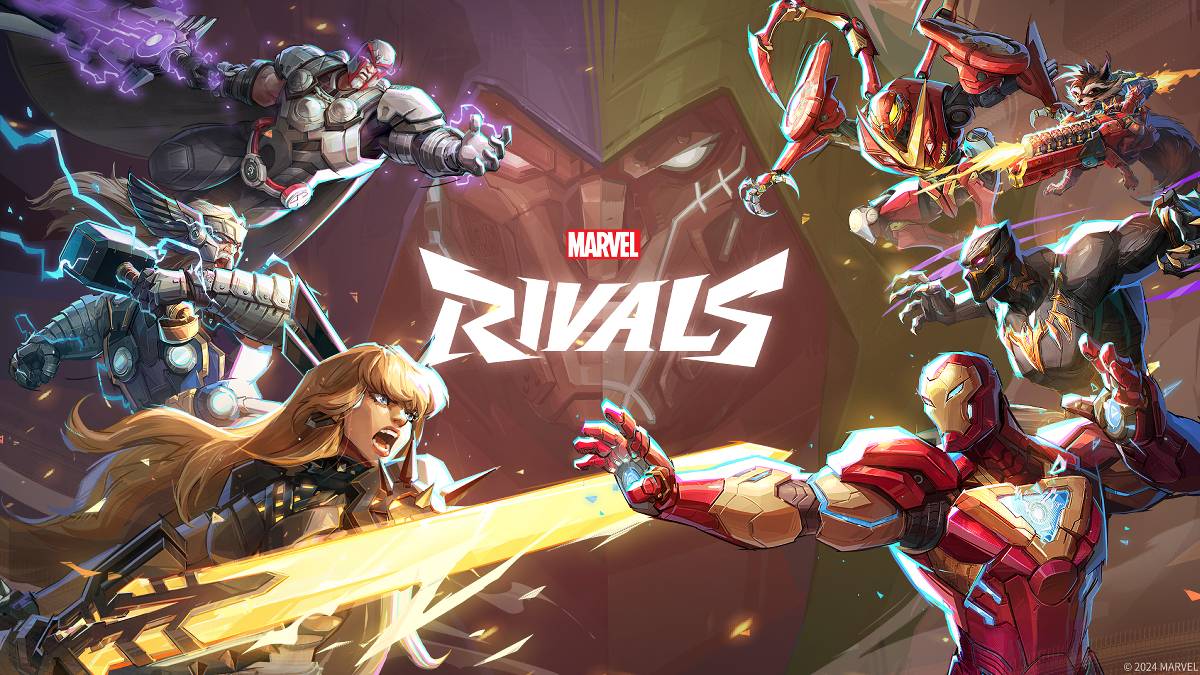
문제 해결 Marvel Rivals 오류 코드 : 포괄적 인 안내서
현대 게임에는 필연적으로 버그 및 오류 코드가 포함되며 Marvel Rivals 는 예외는 아닙니다. 이 안내서는 게임 플레이를 방해 할 수있는 일반적인 오류 코드에 대한 솔루션을 제공합니다. 이러한 문제는 게임 발사를 방지하는 것부터 충돌, 지연 및 말기를 유발하는 것까지 다양합니다.
일반적인 Marvel Rivals 오류 코드 및 솔루션
아래 표에는 자주 발생하는 오류 코드, 설명 및 제안 된 문제 해결 단계가 나와 있습니다.
| Error Code | Description | Solution |
|---|---|---|
| Error 4 | This error often appears on PlayStation but can also occur on PC. | Check internet connection; Verify server status; Relaunch *Marvel Rivals*. |
| 99% Loading Bug | Game gets stuck at 99% during match loading. | Check internet connection; Close background applications; Adjust Network Diagnostic Settings. |
| Error 211 | Commonly seen when launching via Steam, indicating connection problems. | Check server status; Disable third-party server blockers; Check internet connection; Verify game files. |
| Error 10 | Appears on launch, usually due to poor internet connection. | Check internet connection; Relaunch *Marvel Rivals*; Check server status. |
| Error 220 | May be caused by server location or firewall settings. | Modify security firewalls; Adjust DNS settings; Disable third-party server blockers; Use a VPN. |
| Error 21 | Sometimes encountered by Xbox players on launch. | Restart console; Reset router; Check server status; Disable IPv6 on internet connection; Use a VPN. |
| Error 5 | Experienced by PlayStation players; indicates high ping and packet loss. | Address high ping and packet loss (check internet connection, etc.). |
| Error 26 | Prevents gameplay. | Check internet connection; Disable VPN; Clear cache files; Verify game files. |
| Packet Loss Error | High ping and packet loss due to high latency. | Check internet connection; Close background applications; Adjust Network Diagnostic Settings. |
| DX12 Not Supported | Game won't launch due to unsupported DX12; usually caused by Windows updates or GPU incompatibility. | Update Windows; Update GPU drivers; Reinstall *Marvel Rivals*. |
| Error Code 258 | Login failure via PC launcher (often Epic Games Store). | Troubleshooting specific to Epic Games Store launcher. |
| Error LS-0014 | Encountered with Epic Games Store launcher. | Check antivirus software; Verify game files; Reinstall the game. |
| Igniting the Timestream | Occurs during matchmaking. | Check server status; Restart the game; Check internet connection. |
| Version Mismatch | Appears after game updates. | Verify game files; Check for updates; Check internet connection. |
| Out of Video Memory | Prevents gameplay. | Check VRAM; Update GPU drivers; Close background applications. |
| Blue Screen Error | A critical error, though relatively infrequent. | Clean install GPU drivers; Lower graphics settings; Run Windows Memory Diagnostic Tool. |
- Marvel Rivals*는 현재 PS5, PC 및 Xbox Series X | S에서 사용할 수 있습니다.
 최신 다운로드
더+
최신 다운로드
더+
-
 Kid-E-Cats Cars, Build a house
교육적인 丨 98.0 MB
 Downlaod
-
 Word Cabin
퍼즐 丨 14.60M
Downlaod
-
 3D Tile Match Puzzle
하찮은 일 丨 35.6 MB
Downlaod
-
 Woodber - Classic Number Game
카드 丨 111.00M
Downlaod
-
 Word Mind: Crossword puzzle
단어 丨 82.3 MB
Downlaod
-
 Gangster 4
행동 丨 152.0 MB
Downlaod
 주요 뉴스
더+
주요 뉴스
더+

-
 원신의 모든 Mavuika 재료, 키트 및 별자리
Jan 21,2025
-
 Zenless Zone Zero : 에이전트를 만나십시오
Jan 26,2025
-
Sonic 4 릴리스 날짜가 공개되었습니다
Mar 12,2025
-
 WWE 2K25 실습 미리보기
Feb 26,2025
주제
더+
인기 게임
더+
-
1

Fairy Fixer294.15M
Fairy Fixer와 함께 Winx Club의 마법 세계에 빠져보세요! Bloom, Stella, Musa, Flora, Tecna와 함께 Magix와 그 너머의 매혹적인 영역을 통해 흥미진진한 모험을 떠나세요. 이것은 단순한 게임이 아닙니다. 그것은 스릴 넘치는 스토리 속에서 자기 발견의 여정입니다. 요정 해결사는 부를 제공합니다
-
2

Petit Prof - Jeu d'école125.9 MB
자녀가 Myschool에서 배우는 방식을 변화시킵니다! 당신의 작은 사람이 책임을지고 자신의 가상 교실의 교사가 될 수있는 교육 세계로 뛰어들십시오. Myschool은 1 학년에서 5 학년 학생들을위한 혁신적인 교육용 앱으로, 학습을 짜릿한
-
3

Tom & Jerry: Mouse Maze66.8 MB
Tom보다 한 수 앞서서 Jerry가 치즈에 대한 갈망을 극복할 수 있도록 도와주세요! 이제 완전히 새로운 게임 모드를 사용할 수 있습니다! Jerry의 배고픔은 채워질 수 없습니다! 그는 치즈를 모두 모으기 위해 모험을 떠나지만, 톰의 끊임없는 추격으로 인해 그것은 위험한 여정이 됩니다. 세 가지 흥미로운 게임 모드 클래식 모드, 짜릿한 루를 경험해보세요
-
4

Unciv21.83MB
무료 오픈 소스 4X 문명 게임 역사상 가장 유명한 문명 건설 게임을 빠르고, 가볍고, 광고 없이, 영원히 무료로 제공하는 오픈 소스 재창조 게임입니다! 제국을 건설하고, 첨단 기술을 익히고, 도시를 확장하고, 라이벌을 정복하세요! 기능 요청이 있으신가요? 버그 신고? 핏기 없는
-
5

Geometry Dash Breeze47.97M
Robotop Games (2013)의 생생한 2D 리듬 기반 플랫 포머 인 Geometry Dash Breeze는 플레이어에게 매력적인 레벨과 도전을 제공합니다. 게임 마스터 링에는 개인화 된 레벨을 만드는 추가 옵션과 함께 정확한 점프 및 비행 기동이 필요합니다. 중독성 게임 플레이
-
6

Ludo World61.1 MB
Ludo World (이전의 Ludo Superstar)는 당신을 최고의 루도 슈퍼 스타가되도록 초대합니다! 클래식 한 Ludo/Parcheesi 게임 플레이와 흥미 진진한 새로운 파워 모드를 경험하십시오. Ludo World의 고유 한 전력 모드 : 이중 거리 : 롤을 두 배로 늘리고