

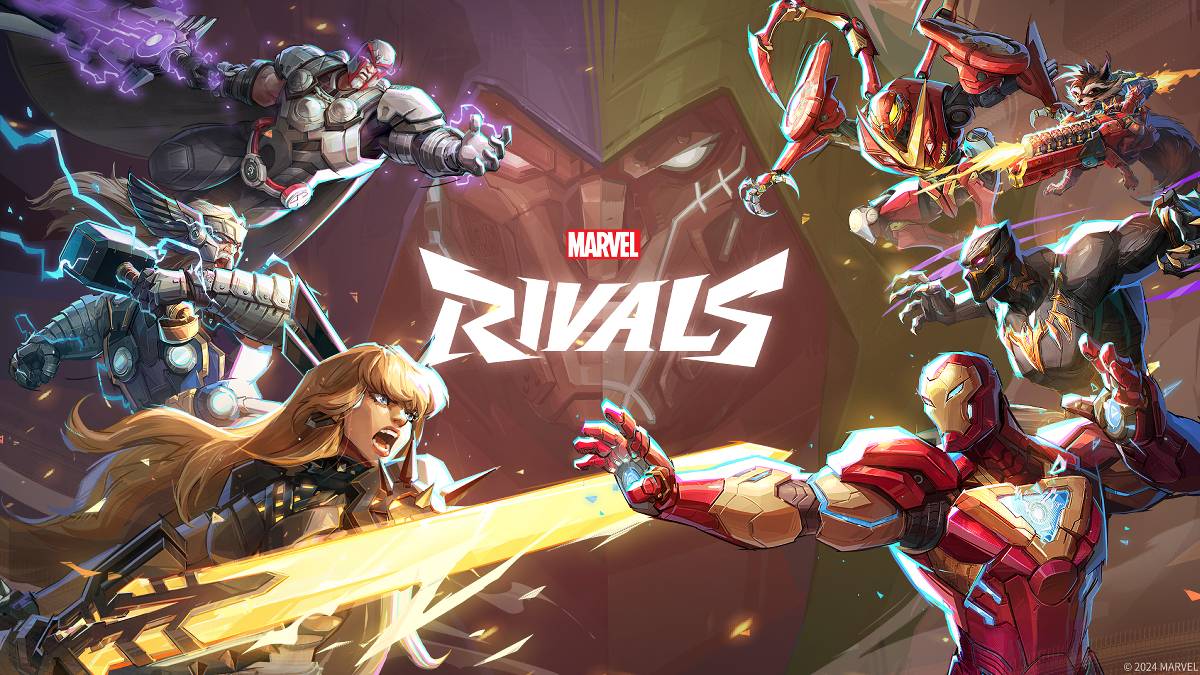
故障排除 漫威竞争对手 错误代码:综合指南
现代游戏不可避免地涉及错误和错误代码,而 Marvel竞争对手 也不例外。本指南为常见的错误代码提供了解决方案,这些解决方案可能会阻碍您的游戏玩法。这些问题范围从防止游戏发布到导致崩溃,滞后和斯托克。
常见 奇迹竞争对手 错误代码和解决方案
下表列出了经常遇到的错误代码,其描述以及建议的故障排除步骤:
| Error Code | Description | Solution |
|---|---|---|
| Error 4 | This error often appears on PlayStation but can also occur on PC. | Check internet connection; Verify server status; Relaunch *Marvel Rivals*. |
| 99% Loading Bug | Game gets stuck at 99% during match loading. | Check internet connection; Close background applications; Adjust Network Diagnostic Settings. |
| Error 211 | Commonly seen when launching via Steam, indicating connection problems. | Check server status; Disable third-party server blockers; Check internet connection; Verify game files. |
| Error 10 | Appears on launch, usually due to poor internet connection. | Check internet connection; Relaunch *Marvel Rivals*; Check server status. |
| Error 220 | May be caused by server location or firewall settings. | Modify security firewalls; Adjust DNS settings; Disable third-party server blockers; Use a VPN. |
| Error 21 | Sometimes encountered by Xbox players on launch. | Restart console; Reset router; Check server status; Disable IPv6 on internet connection; Use a VPN. |
| Error 5 | Experienced by PlayStation players; indicates high ping and packet loss. | Address high ping and packet loss (check internet connection, etc.). |
| Error 26 | Prevents gameplay. | Check internet connection; Disable VPN; Clear cache files; Verify game files. |
| Packet Loss Error | High ping and packet loss due to high latency. | Check internet connection; Close background applications; Adjust Network Diagnostic Settings. |
| DX12 Not Supported | Game won't launch due to unsupported DX12; usually caused by Windows updates or GPU incompatibility. | Update Windows; Update GPU drivers; Reinstall *Marvel Rivals*. |
| Error Code 258 | Login failure via PC launcher (often Epic Games Store). | Troubleshooting specific to Epic Games Store launcher. |
| Error LS-0014 | Encountered with Epic Games Store launcher. | Check antivirus software; Verify game files; Reinstall the game. |
| Igniting the Timestream | Occurs during matchmaking. | Check server status; Restart the game; Check internet connection. |
| Version Mismatch | Appears after game updates. | Verify game files; Check for updates; Check internet connection. |
| Out of Video Memory | Prevents gameplay. | Check VRAM; Update GPU drivers; Close background applications. |
| Blue Screen Error | A critical error, though relatively infrequent. | Clean install GPU drivers; Lower graphics settings; Run Windows Memory Diagnostic Tool. |
由于Internet连接问题,
- Marvel竞争对手*目前可在PS5,PC和Xbox系列X | S上找到。
 最新下载
更多+
最新下载
更多+
-
 Kid-E-Cats Cars, Build a house
儿童 丨 98.0 MB
 Downlaod
-
 Word Cabin
益智解谜 丨 14.60M
Downlaod
-
 3D Tile Match Puzzle
问答 丨 35.6 MB
Downlaod
-
 Woodber - Classic Number Game
卡牌 丨 111.00M
Downlaod
-
 Word Mind: Crossword puzzle
文字 丨 82.3 MB
Downlaod
-
 Gangster 4
动作 丨 152.0 MB
Downlaod
 热门新闻
更多+
热门新闻
更多+

-
 原神 中的所有 Mavuika 材料、套件和星座
Jan 21,2025
-
 Zenless Zero:与代理商见面
Jan 26,2025
-
Sonic 4发布日期显示
Mar 12,2025
-
 WWE 2K25动手预览
Feb 26,2025
专题
更多+
热门游戏
更多+
-
1

Fairy Fixer294.15M
与 Fairy Fixer 一起潜入 Winx Club 的魔法世界! 与 Bloom、Stella、Musa、Flora 和 Tecna 一起踏上 Magix 及其他迷人领域的激动人心的冒险之旅。 这不仅仅是另一个游戏;这是一个游戏。这是在激动人心的故事情节中自我发现的旅程。 Fairy Fixer 提供福利
-
2

Petit Prof - Jeu d'école125.9 MB
改变孩子与Myschool学习的方式!深入研究教育世界,您的小孩子可以负责并成为自己虚拟教室的老师。 Myschool是一款针对一年级至5年级的学生量身定制的创新教育应用程序,将学习变成振动性
-
3

Tom & Jerry: Mouse Maze66.8 MB
智取汤姆并帮助杰瑞克服他对奶酪的渴望! 全新的游戏模式现已推出! 杰瑞的饥饿感无法满足!他的任务是收集所有的奶酪,但汤姆的不懈追求使其成为一次危险的旅程。 三种激动人心的游戏模式 体验经典模式,惊险刺激
-
4

Unciv21.83MB
免费开源 4X 文明游戏 一款快速、轻量、无广告且永久免费的开源游戏,再现了历史上最著名的文明建设游戏! 打造你的帝国,掌握先进技术,扩张你的城市,征服你的对手! 功能要求?错误报告? 万
-
5

Geometry Dash Breeze47.97M
Goetry Dash Breeze是Robotop Games(2013年)中充满活力的2D节奏平台游戏,为玩家提供了令人着迷的水平和挑战。 掌握游戏涉及精确的跳跃和飞行操作,并提供了创建个性化级别的选择。 它上瘾的游戏玩法
-
6

Ludo World61.1 MB
Ludo World(以前是Ludo Superstar)邀请您成为终极的Ludo超级巨星!体验经典的Ludo/Parcheesi游戏玩法,以及令人兴奋的新电源模式,为朋友和家人提供增强的乐趣。 Ludo World的独特功率模式:双距离:双向滚动和放大