

Minecraft chat is your lifeline for connecting with fellow players, executing commands, and receiving crucial server updates. It's the hub for coordinating adventures, trading resources, asking for help, engaging in roleplay, and even managing the game itself. The server utilizes chat to broadcast system messages, warn players of events, distribute rewards, and announce updates.
Table of Contents
- How to Open the Chat and Use Commands
- Communication on the Server
- Frequently Asked Questions and Errors
- Text Formatting
- System Messages
- Useful Commands
- Chat Settings
- Differences Between Java and Bedrock Edition
- Chat on Custom Servers
How to Open the Chat and Use Commands
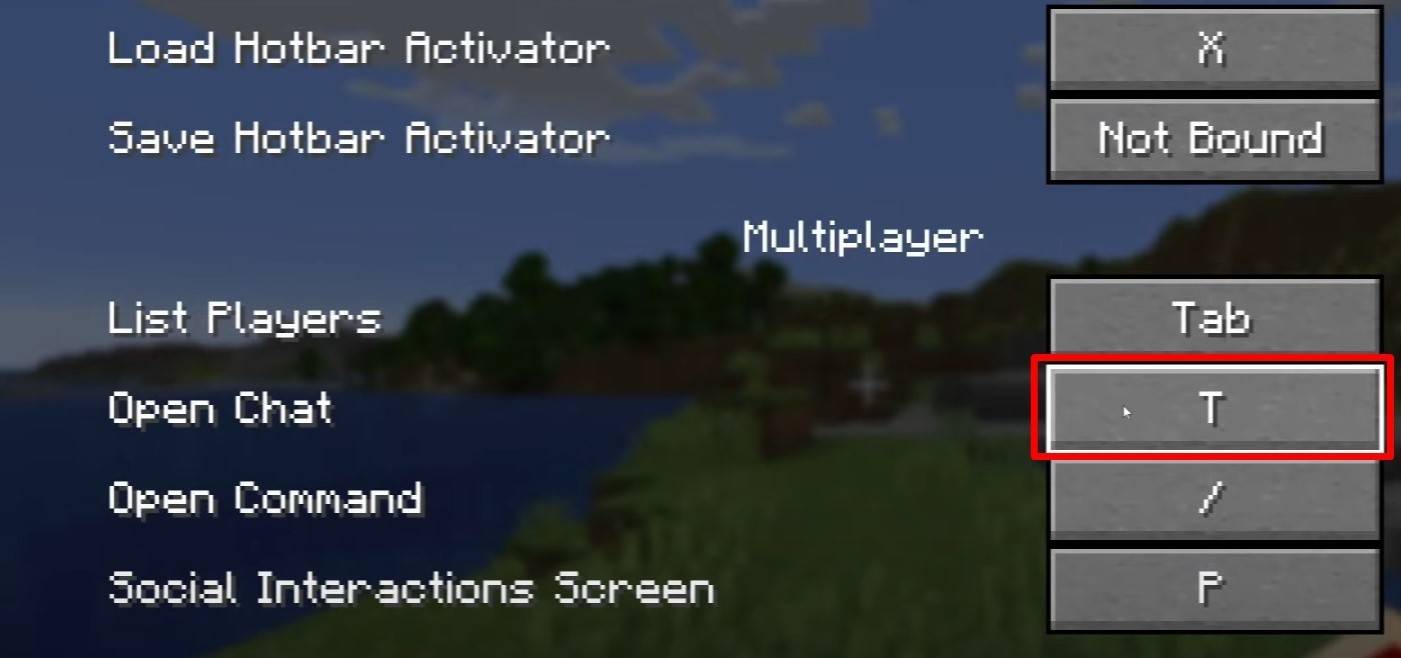
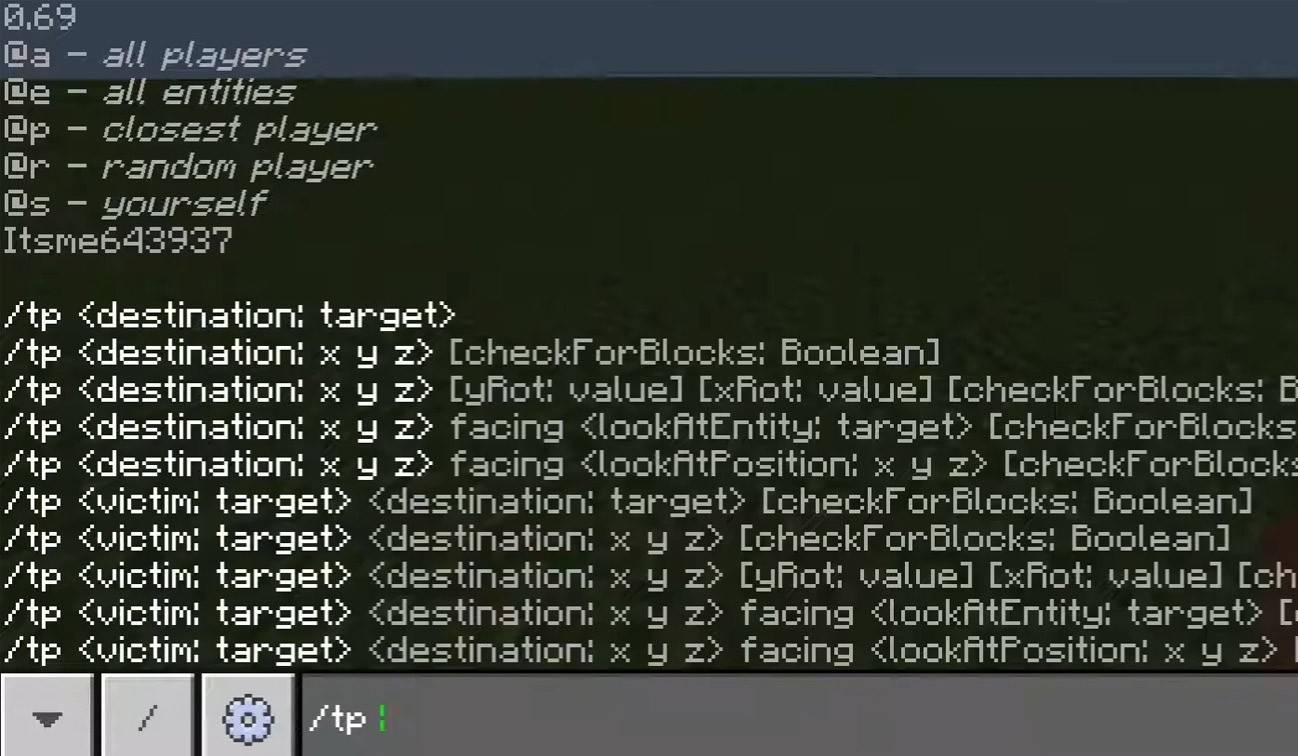
Press 'T' to open the chat. Type your message and hit Enter to send. Prefixing your input with "/" initiates a command. For example:
/tp– Teleport to another player/spawn– Teleport to the spawn point/home– Return to your home (if set)/help– View a list of available commands
In single-player mode, commands require cheats to be enabled. On servers, command access depends on your permissions.
Also read: Mastering Minecraft: An In-Depth Guide to Commands
Communication on the Server
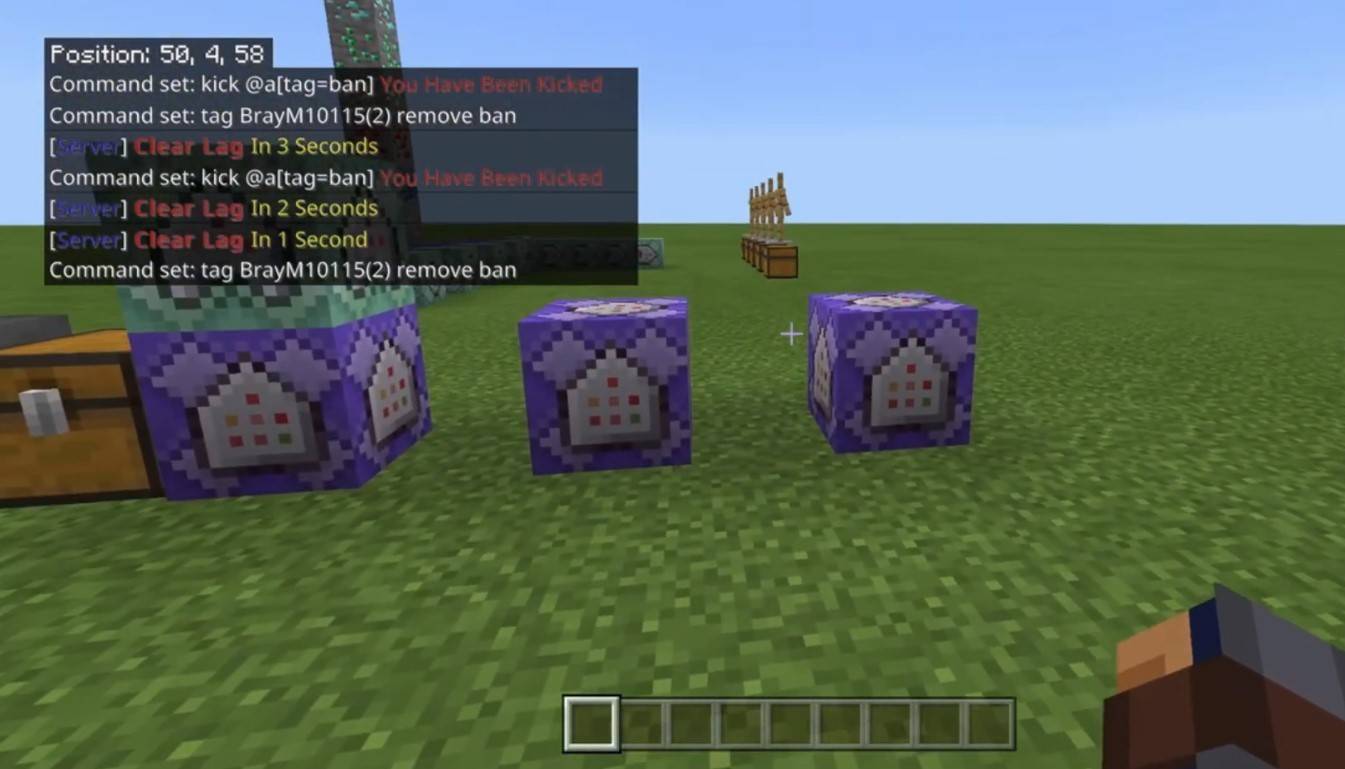
Servers offer various communication methods. Public chat broadcasts messages to all players. Use /msg for private messages. Many servers utilize plugins for group or team chats (e.g., /partychat, /teammsg). Some servers distinguish between global (all players) and local (players within a certain radius) chat.
Server roles influence chat privileges. Regular players can chat and use basic commands, while moderators and administrators possess broader powers, including muting and banning players (muting silences a player; banning prevents server access).
Frequently Asked Questions and Errors
- Chat won't open: Try rebinding the chat key in controls.
- Can't write in chat: You might be muted or chat might be disabled in game settings.
- Commands aren't working: Check your server permissions.
- How to hide the chat?: Disable it in settings or use the
/togglechatcommand.
Text Formatting
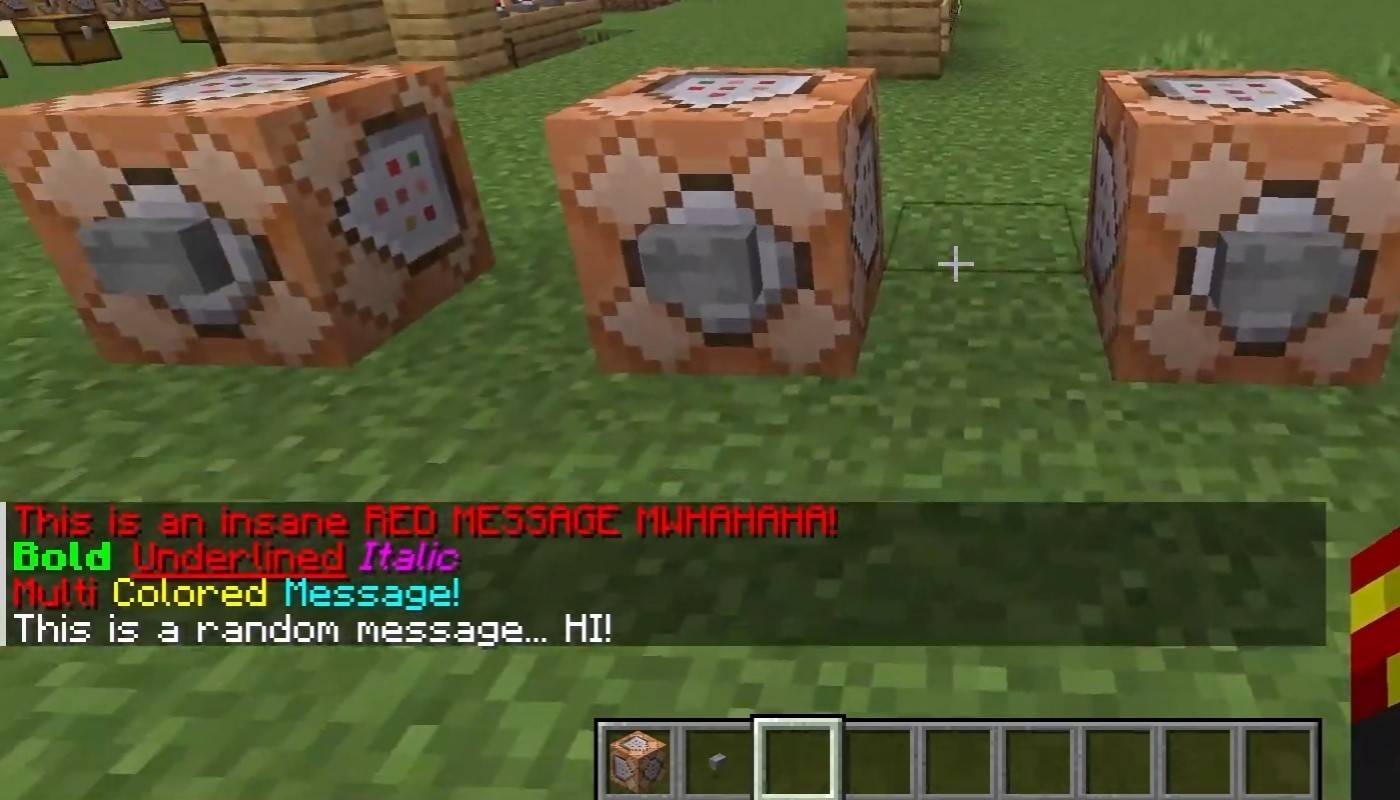
Servers supporting text formatting allow:
&l– Bold text&o– Italic text&n– Underlined text&m– Strikethrough text&r– Reset formatting
System Messages
The chat displays player join/leave messages, achievement notifications (e.g., "Player obtained a diamond pickaxe"), server announcements, news, events, updates, and command errors (e.g., "You do not have permission"). It also shows executed command messages and game status notifications. Administrators and moderators use chat for important announcements and rule reminders.
Useful Commands
/ignore– Ignore a player's messages./unignore– Remove a player from your ignore list./chatslow– Slow down chat (limits message sending)./chatlock– Temporarily disable chat.
Chat Settings
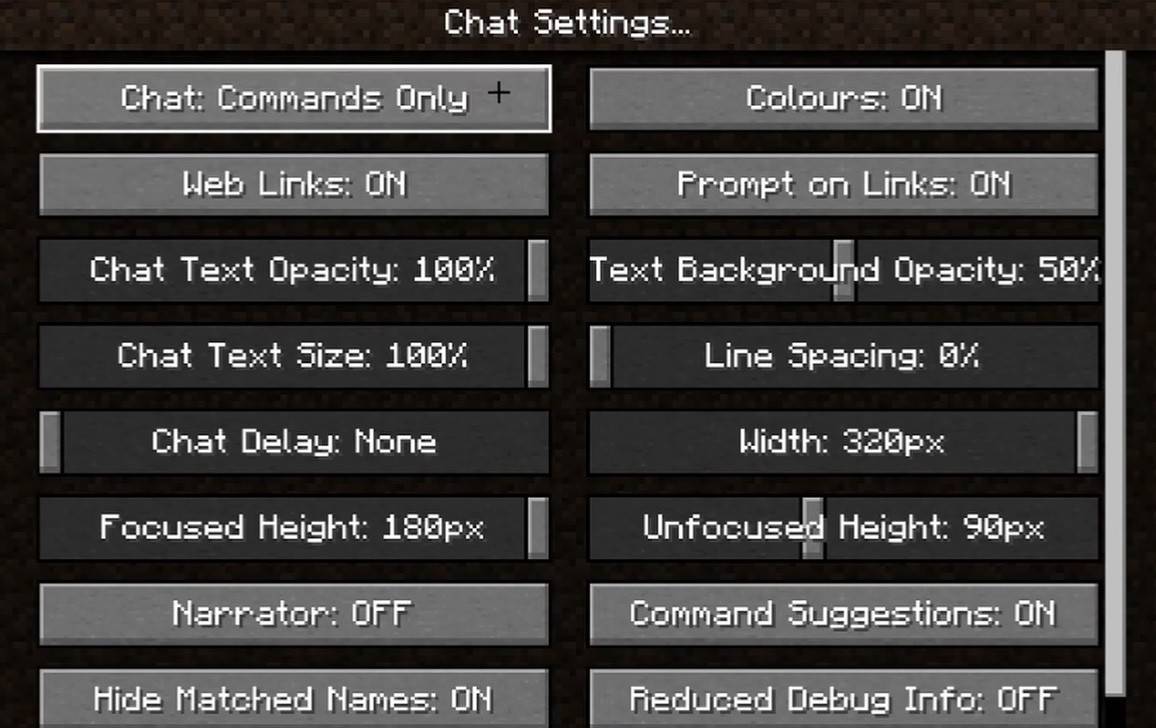
The "Chat and Commands" menu allows enabling/disabling chat, adjusting font size and background transparency, and configuring profanity filters (Bedrock Edition). You can also customize command message display and text color. Some versions offer message type filtering.
Differences Between Java and Bedrock Edition
Bedrock Edition commands differ slightly (e.g., /tellraw). Newer Java Edition versions feature message filtering and message sending confirmation.
Chat on Custom Servers
Custom servers often include automated announcements, rule reminders, and event notifications. Message filters block spam, ads, profanity, and insults. Large servers may offer additional chats (trade, clan, faction, etc.).
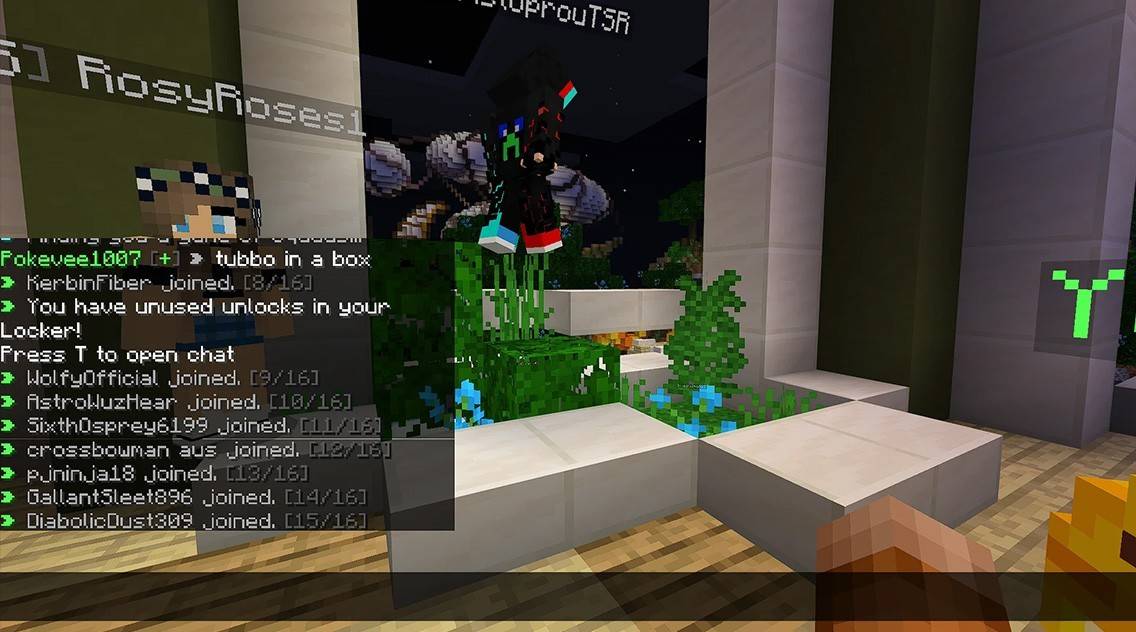
Minecraft chat is more than just communication; it's a gameplay management tool. Its customization options, commands, and features enhance the overall experience. Mastering these basics ensures effective interaction and maximizes your enjoyment!
 Latest Downloads
 Downlaod


 Top News








