

Enhance Your Stardew Valley Experience with Mods!
While Stardew Valley's recent update garnered significant attention, players have long leveraged the power of mods to personalize their gameplay. From enriching NPC storylines to adding unique cosmetic items, modding unlocks a world of creative possibilities. Here's a straightforward guide to modding Stardew Valley on Windows.
Modding Stardew Valley on Windows: A Step-by-Step Guide
Step One: Safeguarding Your Save File (Recommended)
This isn't mandatory, but highly recommended, especially for established farms. Backing up your save ensures your progress remains secure. If you're starting fresh, skip this step.
To back up your save:
- Press Win + R to open the Run dialog.
- Type
%appdata%and press Enter. - Navigate to the
Stardew Valleyfolder, then theSavesfolder. - Copy the contents to a secure location on your computer.
Step Two: Installing SMAPI – The Mod Loader
SMAPI is essential; it seamlessly integrates mods into your game. Download SMAPI directly from their official website.
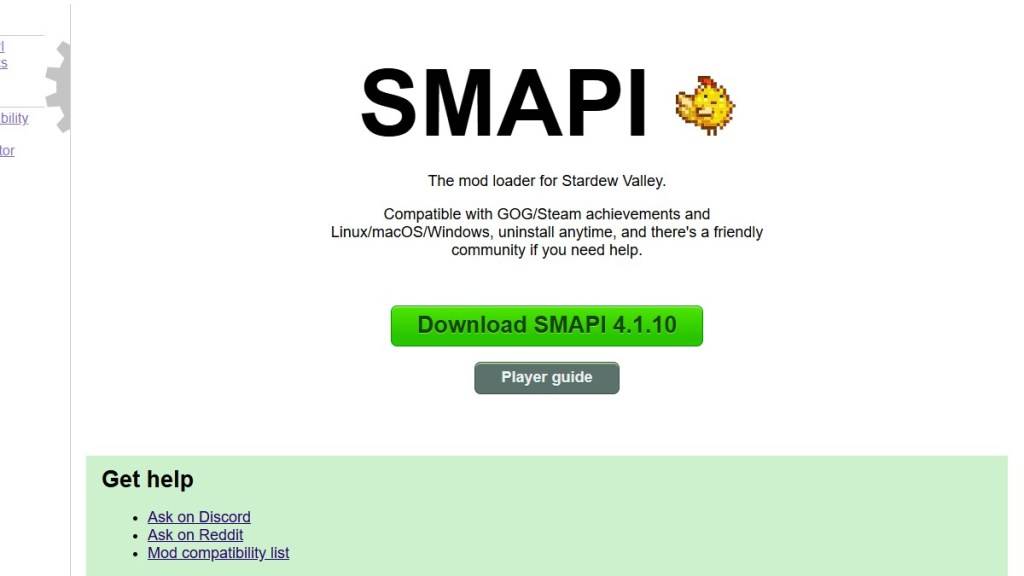
Remember: SMAPI is a loader, not a mod itself. Extract the downloaded ZIP file to your desktop or downloads folder – not the mods folder. Run SMAPI and select "Install on Windows," following the on-screen instructions.
Step Three: Game Client Configuration (If Necessary)
If you play Stardew Valley through Steam, GOG Galaxy, or the Xbox app, you might need extra steps to maintain achievement tracking and playtime recording. Refer to the SMAPI documentation for detailed instructions on configuring your specific game client.
Step Four: Installing Mods – The Fun Part!

Nexus Mods is a popular source for Stardew Valley mods. Download mods (typically as ZIP files), extract them, and place the extracted files into the automatically generated "Mods" folder. The location of this folder depends on your game client:
- Steam:
C:\Program Files (x86)\Steam\steamapps\common\Stardew Valley - GOG Galaxy:
C:\Program Files (x86)\GOG Galaxy\Games\Stardew Valley - Xbox App:
C:\XboxGames\Stardew Valley
That's it! With thousands of mods available on Nexus Mods alone, countless hours of enhanced gameplay await both veteran and new farmers.
Stardew Valley is available now.
 Latest Downloads
 Downlaod




 Top News








