

Expand Your Nintendo Switch Storage: A Guide to the Best microSD Cards
Nintendo Switch owners often find their console's internal storage fills up quickly. The standard Switch offers only 32GB, and even the OLED model provides a modest 64GB. Many popular Switch games require 10GB or more, making additional storage crucial, especially for eShop downloads. A microSDXC card is practically essential.
Adding a microSD card allows you to install numerous games without deleting existing ones. Cards with up to 1TB of storage are available. Remember, save data remains on the console's internal memory. With the Nintendo Switch 2's backward compatibility confirmed, upgrading your storage now is a smart move.
Top microSD Cards for Nintendo Switch:
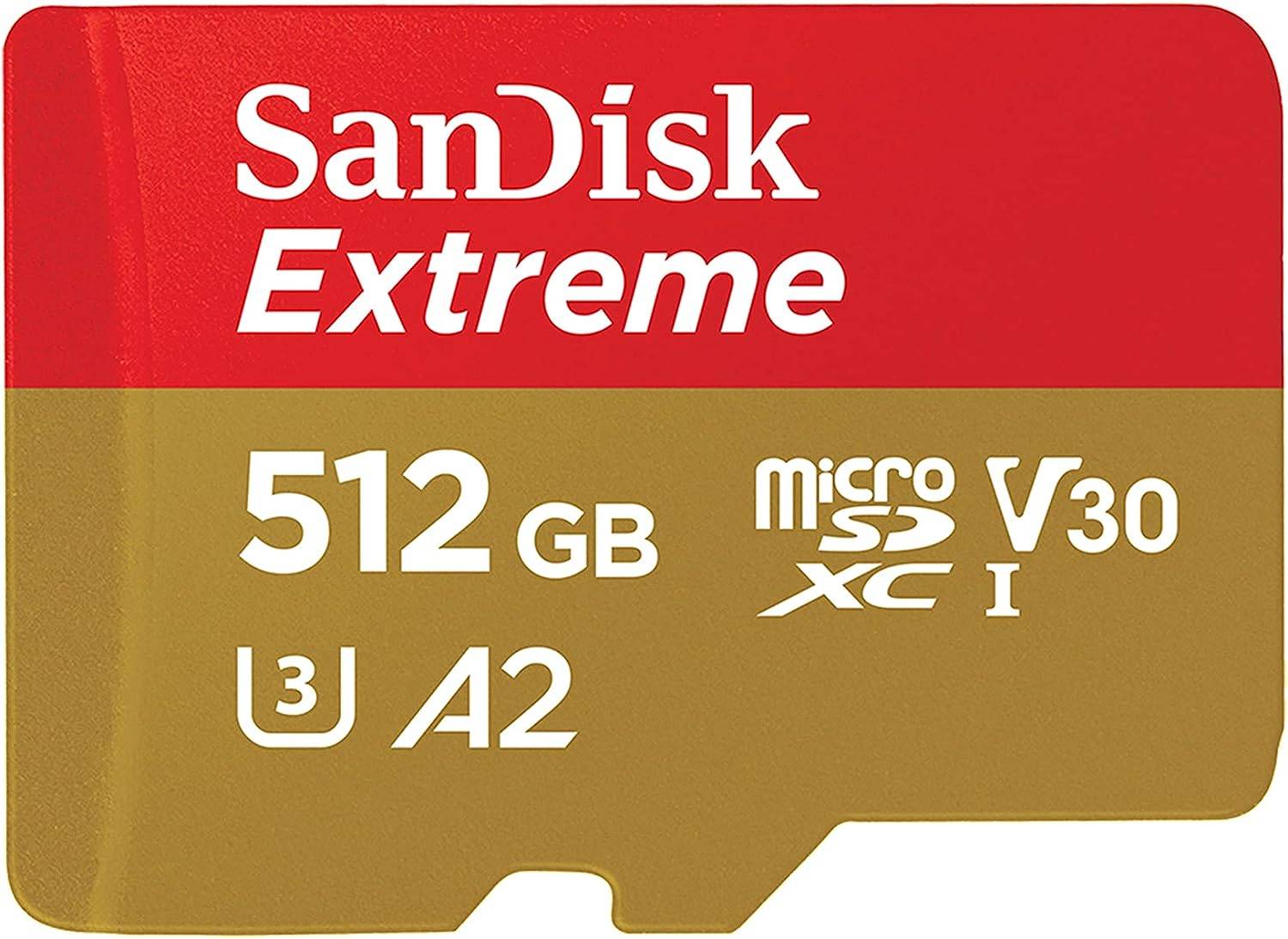 1. SanDisk 512GB Extreme microSDXC Card: Our Top Pick – Excellent balance of speed and storage. See it on Amazon
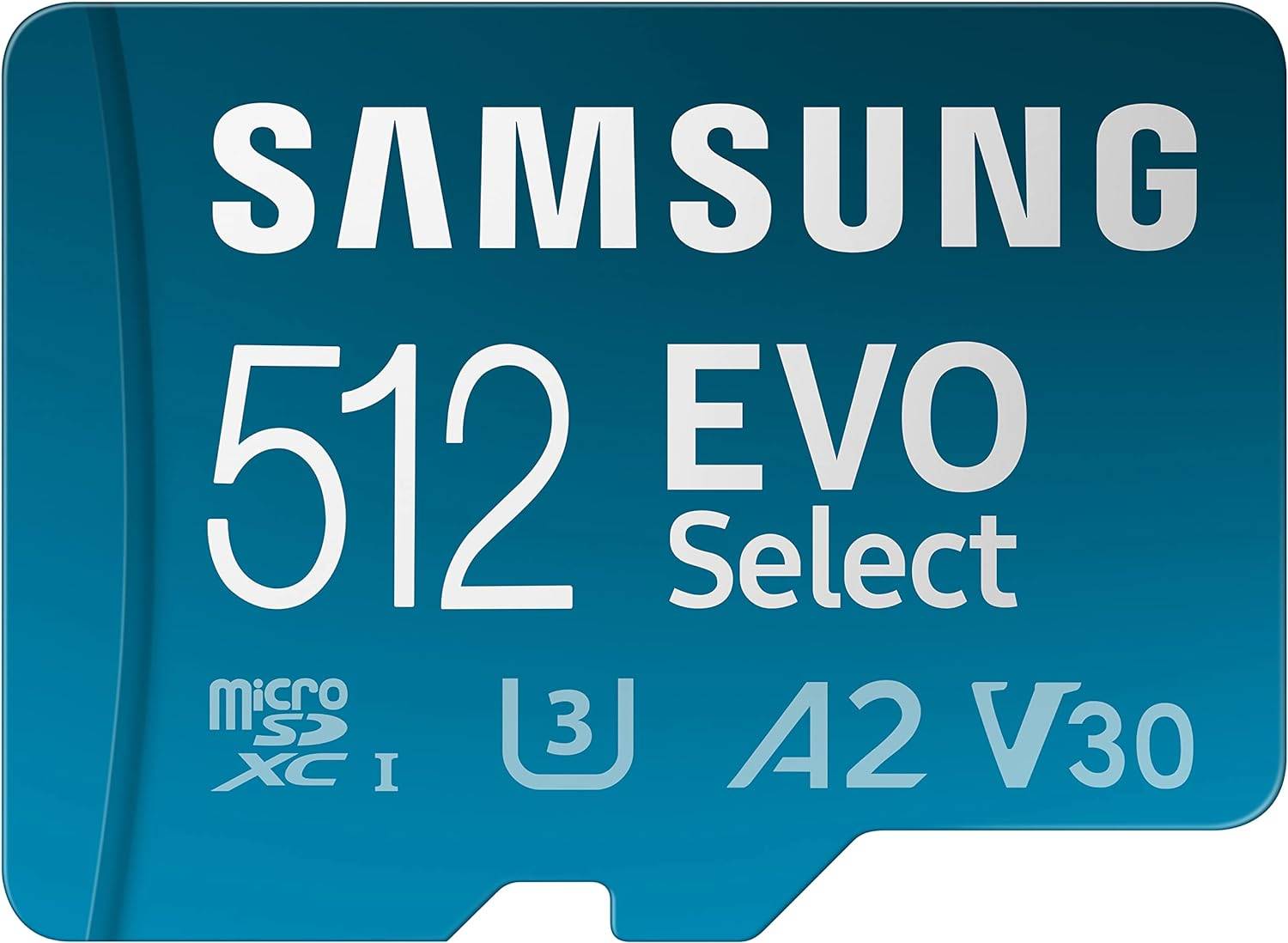 2. Samsung EVO Select A2 512GB microSDXC Card: Budget-friendly option – Meets minimum requirements, slightly slower transfer speeds. See it on Amazon
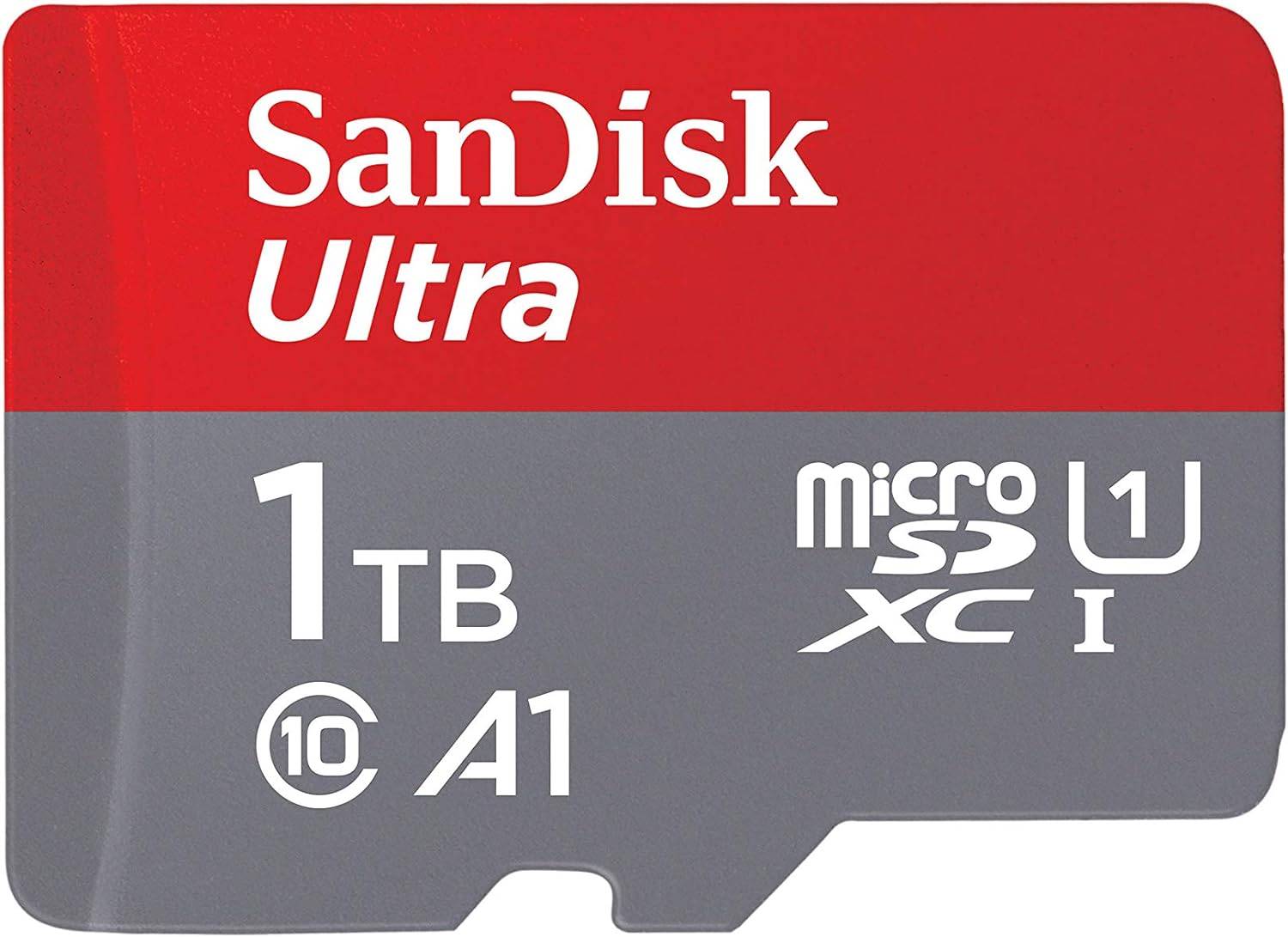 3. SanDisk 1TB Ultra A1 microSDXC Card: High Capacity – Ample space for a large game library. See it on Amazon
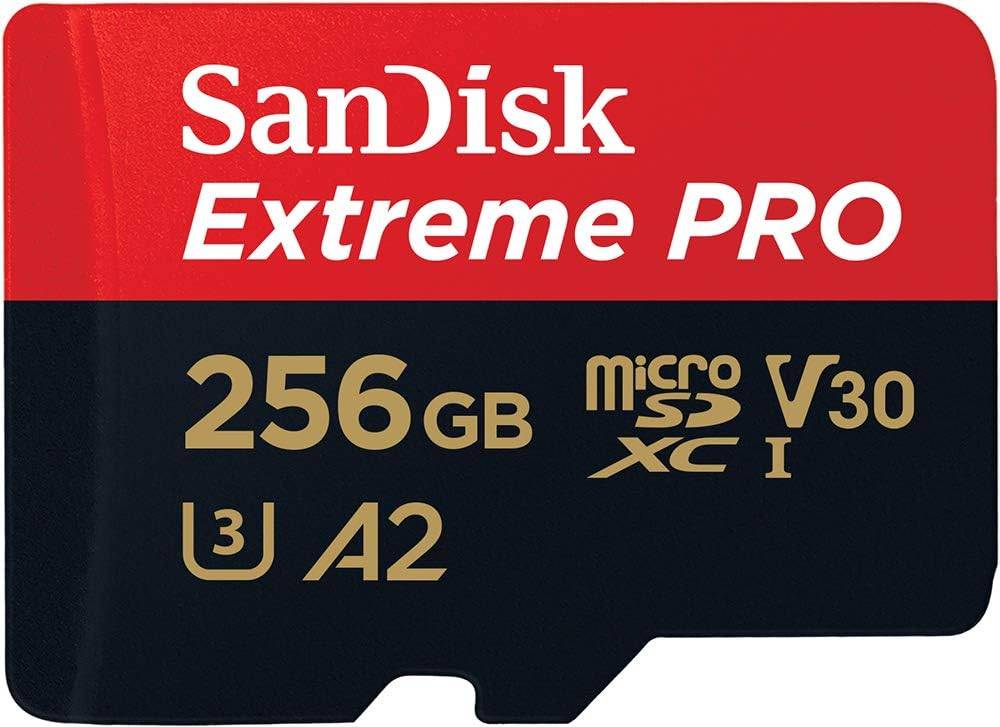 4. SanDisk 256GB Extreme PRO microSDXC Card: High Speed – QuickFlow Technology for optimized performance. See it on Amazon
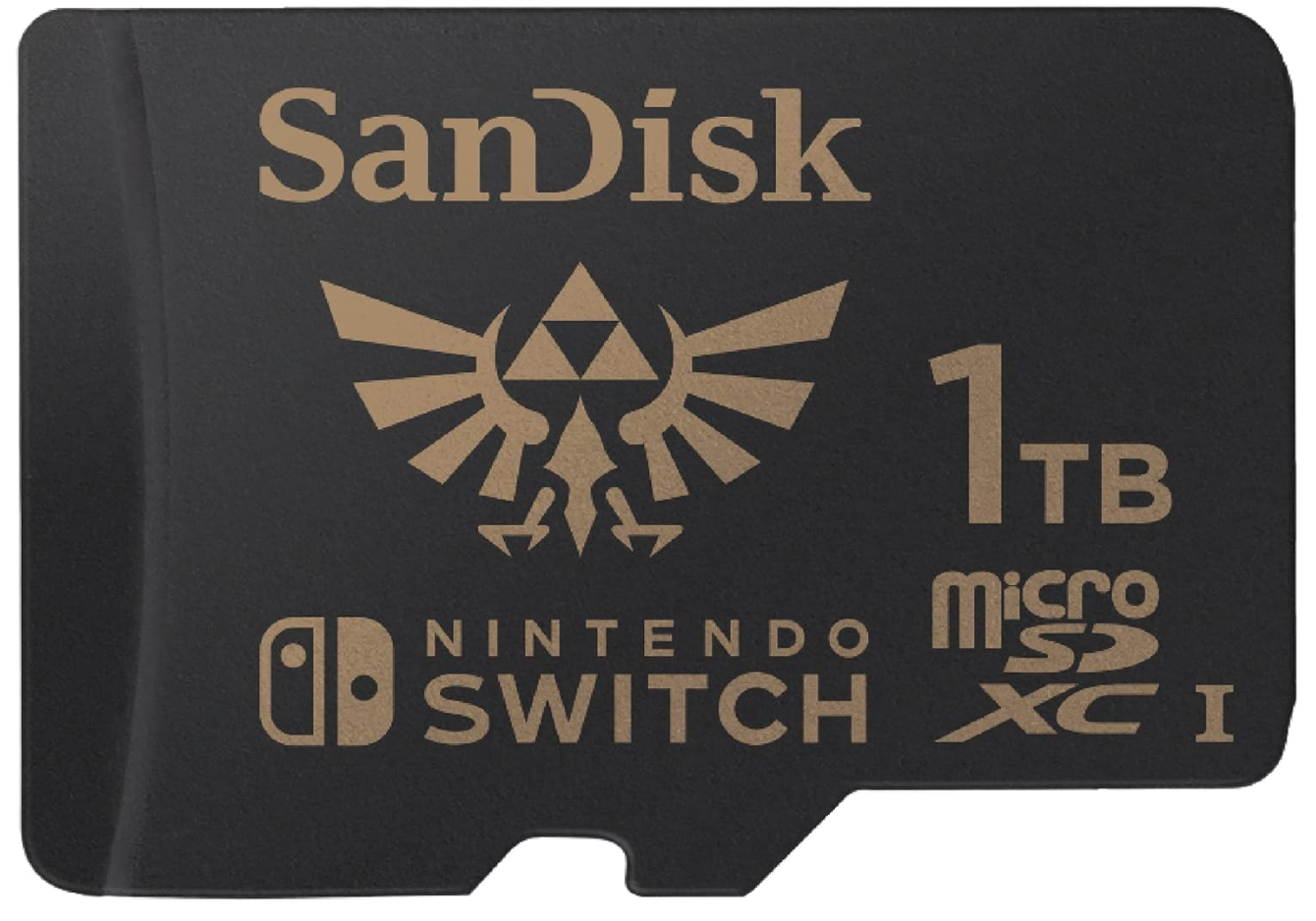 5. SanDisk 1TB microSDXC Card - The Legend of Zelda: Unique Design – Officially licensed Zelda design. See it on Amazon
For optimal performance, choose a card with UHS-I compatibility and high transfer speeds for smoother gameplay and faster loading times.
Choosing the Right microSD Card:
Consider these factors:
- Storage Capacity: A 128GB card might suffice for some, but larger games (like Tears of the Kingdom) require more. Factor in save files and screenshots.
- Compatibility: The Switch supports microSD, microSDHC, and microSDXC cards. Avoid SD or miniSD cards.
- Transfer Speed: Higher speeds improve gameplay. Look for UHS (Ultra High Speed) class, such as UHS-I.
Frequently Asked Questions:
- Do I need an SD card? Yes, it's essential for installing more than a few games.
- How much storage do I need? 256GB or more is generally recommended, especially for larger third-party titles. 1TB is ideal for extensive libraries.
- Will Switch SD cards work with the Switch 2? High probability, given the confirmed backward compatibility. However, consider a larger capacity card for future-proofing.
[Poll: What's the most important microSD card feature for your Switch?] (/uploads/81/17370864256789d5d91e7ef.jpg)
[Poll: How much storage do you need for games?] (/uploads/81/17370864256789d5d91e7ef.jpg)
Remember to replace [link-to-amazon] with actual Amazon links.
 Latest Downloads
 Downlaod



 Top News








