

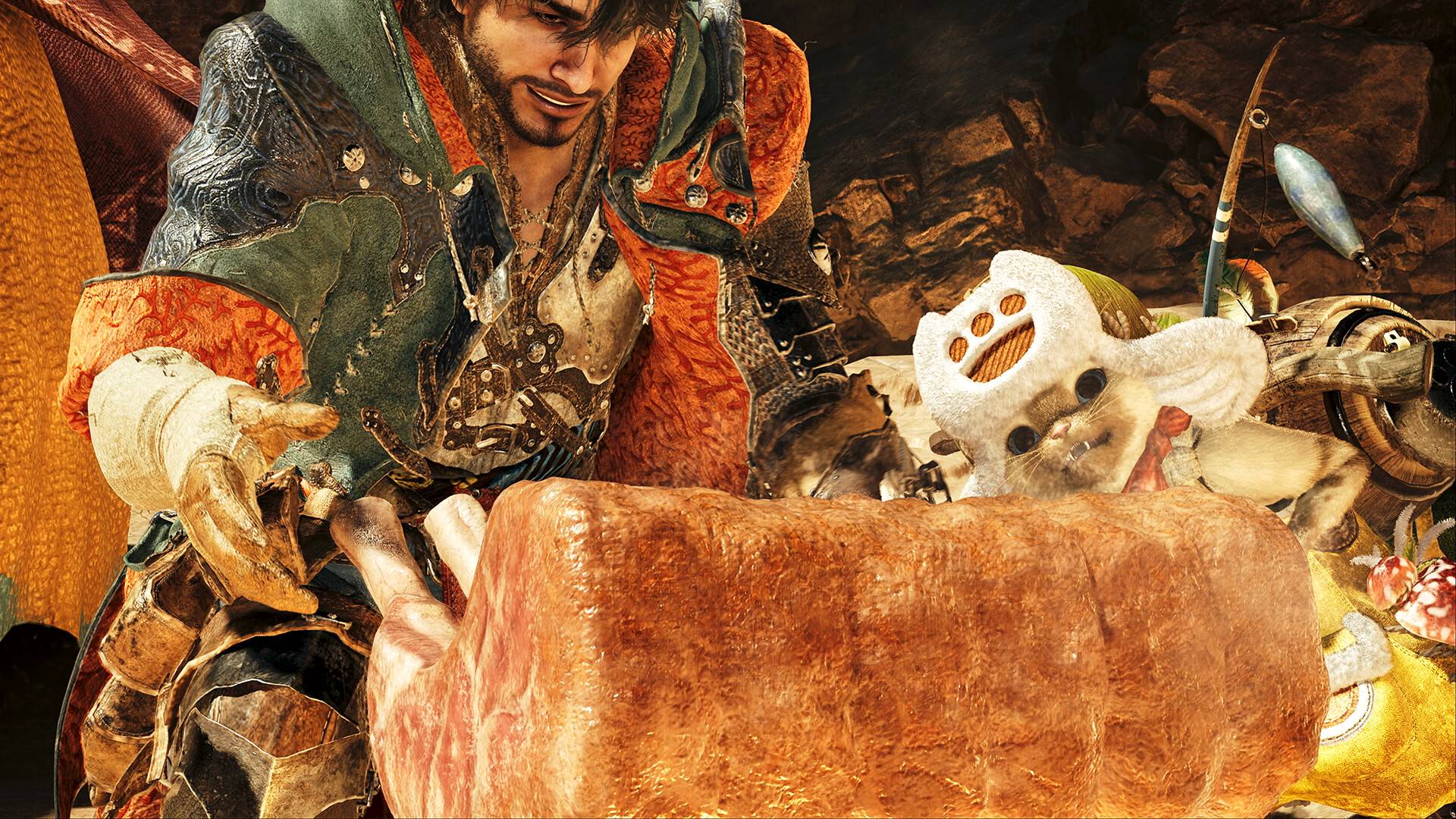
Want to skip the cutscenes in Monster Hunter Wilds and get straight to the hunting action? While the game boasts a surprisingly engaging story with well-developed characters, we understand the desire to jump right into the fray. Here's how to bypass those cinematic moments:
Skipping Cutscenes in Monster Hunter Wilds
To skip a cutscene, simply hold down the Y key on a keyboard, or the back button on your controller. Hold it for about a second. If you're using a less common control scheme, briefly press a few buttons during a cutscene; a prompt in the top-right corner will indicate the correct button to hold for skipping.
You can also pause cutscenes if you prefer to catch every detail without the interruption of automatic progression. However, since many Wilds cutscenes are integral to the story, skipping is best reserved for repeat playthroughs.
Rewatching Cutscenes
Missed something or want to revisit a particularly awesome monster introduction? You can rewatch any cutscene you've already seen through the in-game menu. This allows you to appreciate the story beats and stunning visuals at your own pace, even if it slightly disrupts the narrative flow. It's a great way to grab screenshots of your favorite monster reveals!
 Latest Downloads
 Downlaod


 Top News








