

Looking back on the year? More and more apps are offering year-in-review features, and Snapchat is joining the party with its new 2024 Snap Recap.
What Is a Snap Recap?
New for 2024, Snap Recap offers a fun look back at your Snapchat year. Unlike detailed statistical recaps like Spotify Wrapped or Twitch's year-in-review, Snap Recap doesn't focus on numbers. Instead, it playfully selects a single Snap from each month of the year, creating a whimsical montage of your 2024. This nostalgic journey often seamlessly transitions into the Memories feature, showing flashbacks from the same dates in previous years, extending your trip down memory lane.
How To View Your 2024 Snapchat Snap Recap
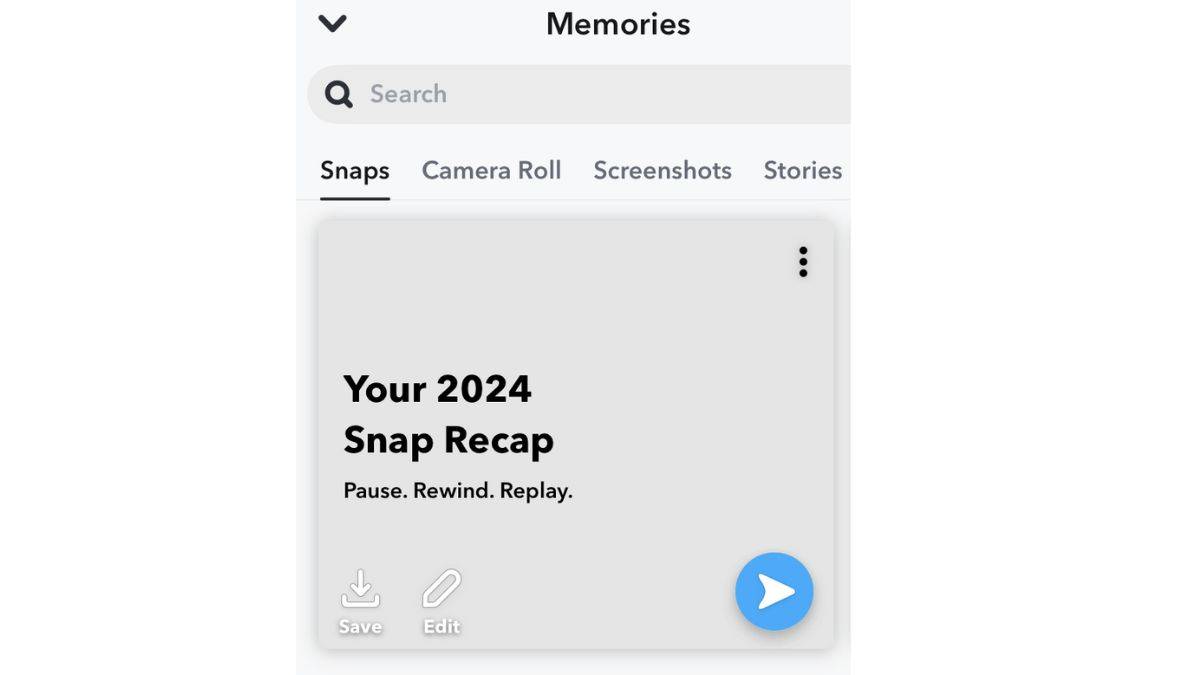
Accessing your 2024 Snap Recap is simple. On the main camera screen, swipe up to open Memories (don't press the shutter button!). Your 2024 Snap Recap should be prominently displayed as a highlighted video. Tap the recap (avoiding the share icon) to begin your visual journey through the year. The recap plays automatically, showcasing a selected Snap for each month. You can tap the screen to advance if you're eager to see what Snapchat chose for December. Like any other Snap, you can save, edit, or share your recap—even adding it to your Story.
Why Don’t I Have a Snapchat Recap?
If your 2024 Snap Recap is missing, don't panic. Snapchat Support indicates a staggered rollout, so yours may simply be delayed. They also mention that several factors determine recap eligibility, including the number of saved Snaps. Infrequent Snapchat use might explain its absence. Unfortunately, if a recap doesn't appear after a reasonable wait, Snapchat Support states that you can't request one.
 Latest Downloads
 Downlaod




 Top News








