

Capture the Beauty of Kingdom Come: Deliverance 2 with Photo Mode!
Kingdom Come: Deliverance 2 boasts stunning visuals, especially in fidelity mode. Want to preserve that beauty beyond gameplay? This guide shows you how to use its built-in photo mode.
Activating Photo Mode
Unlike some games that lack photo mode at launch or never receive one, Kingdom Come: Deliverance 2 includes it! Here's how to access it:
- PC: Press F1 on your keyboard, or simultaneously press L3 and R3 on a joypad.
- Xbox Series X|S / PlayStation 5: Simultaneously press L3 and R3 on your joypad (push both joysticks inward).
Photo Mode Controls
Once in photo mode, time pauses, allowing you to freely compose your shots. Here's a breakdown of the controls:
Xbox Series X|S:
- Rotate camera: Left Stick
- Move camera horizontally: Right Stick
- Move camera up: Left Trigger/LT
- Move camera down: Right Trigger/RT
- Hide Interface: X
- Exit photo mode: B
- Take picture: Press the Xbox button, then Y.
PlayStation 5:
- Rotate camera: Left Stick
- Move camera horizontally: Right Stick
- Move camera up: Left Trigger/LT
- Move camera down: Right Trigger/RT
- Hide interface: Square
- Exit photo mode: Circle
- Take picture: Press the Share button and select "Take Screenshot" (or hold down Share).
PC (keyboard and mouse):
- Move camera: Use your mouse.
- Slow move: Caps Lock
- Hide interface: X
- Exit photo mode: Esc
- Take picture: E
Screenshots are saved to your Pictures folder on PC or your console's capture gallery.
Photo Mode Limitations
While the photo mode is a welcome addition, its functionality is currently limited. You can move the camera around the character, zoom, and adjust the camera angle, but features like character posing, color grading, or time-of-day adjustments are absent. Hopefully, future updates will expand its capabilities.
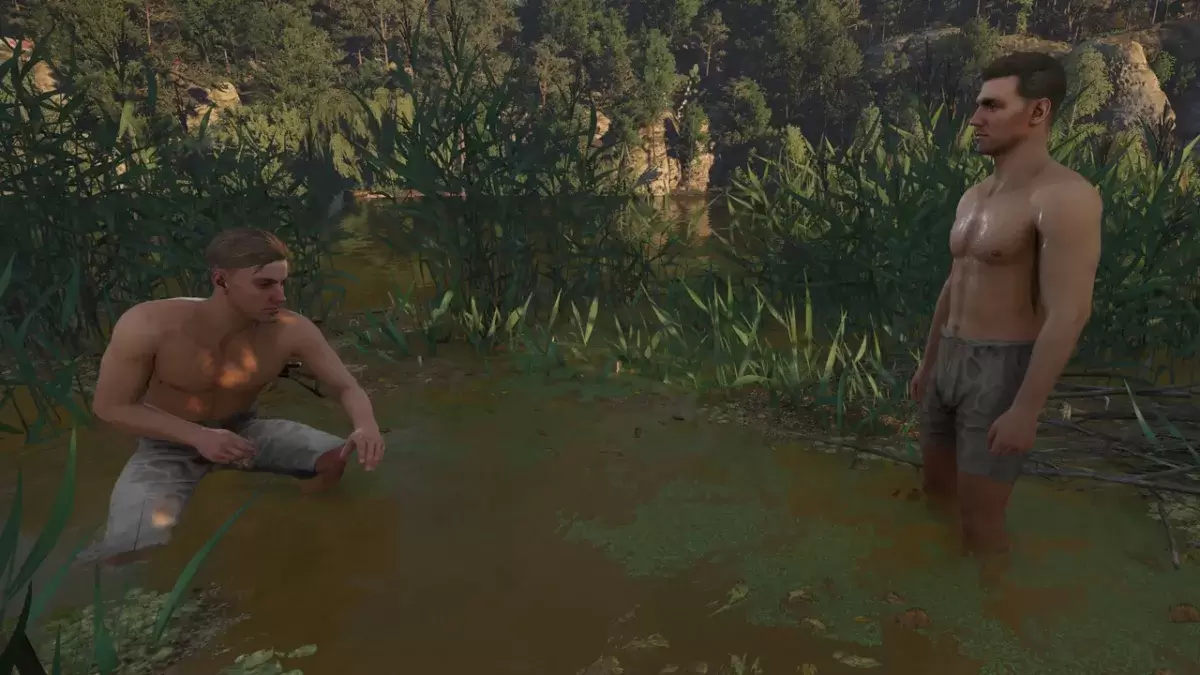
Despite its current limitations, the inclusion of a photo mode in Kingdom Come: Deliverance 2 is appreciated, offering a simple yet effective way to capture the game's beautiful environments.
 Latest Downloads
 Downlaod




 Top News








