

This guide details how to play Sega CD games on your Steam Deck using EmuDeck. It covers setup, ROM transfer, and optimization for optimal performance.
Quick Links
The Sega CD, or Mega CD, expanded the Sega Genesis/Megadrive, enabling advanced games and showcasing early CD-ROM technology with FMV and enhanced audio. EmuDeck on the Steam Deck provides a convenient way to revisit this era of gaming.
Updated January 9, 2025 by Michael Llewellyn: This guide incorporates Decky Loader and Power Tools, recommended by EmuDeck developers, for enhanced performance and includes troubleshooting for Decky Loader after Steam Deck updates.
Developer Mode & Pre-Installation Recommendations
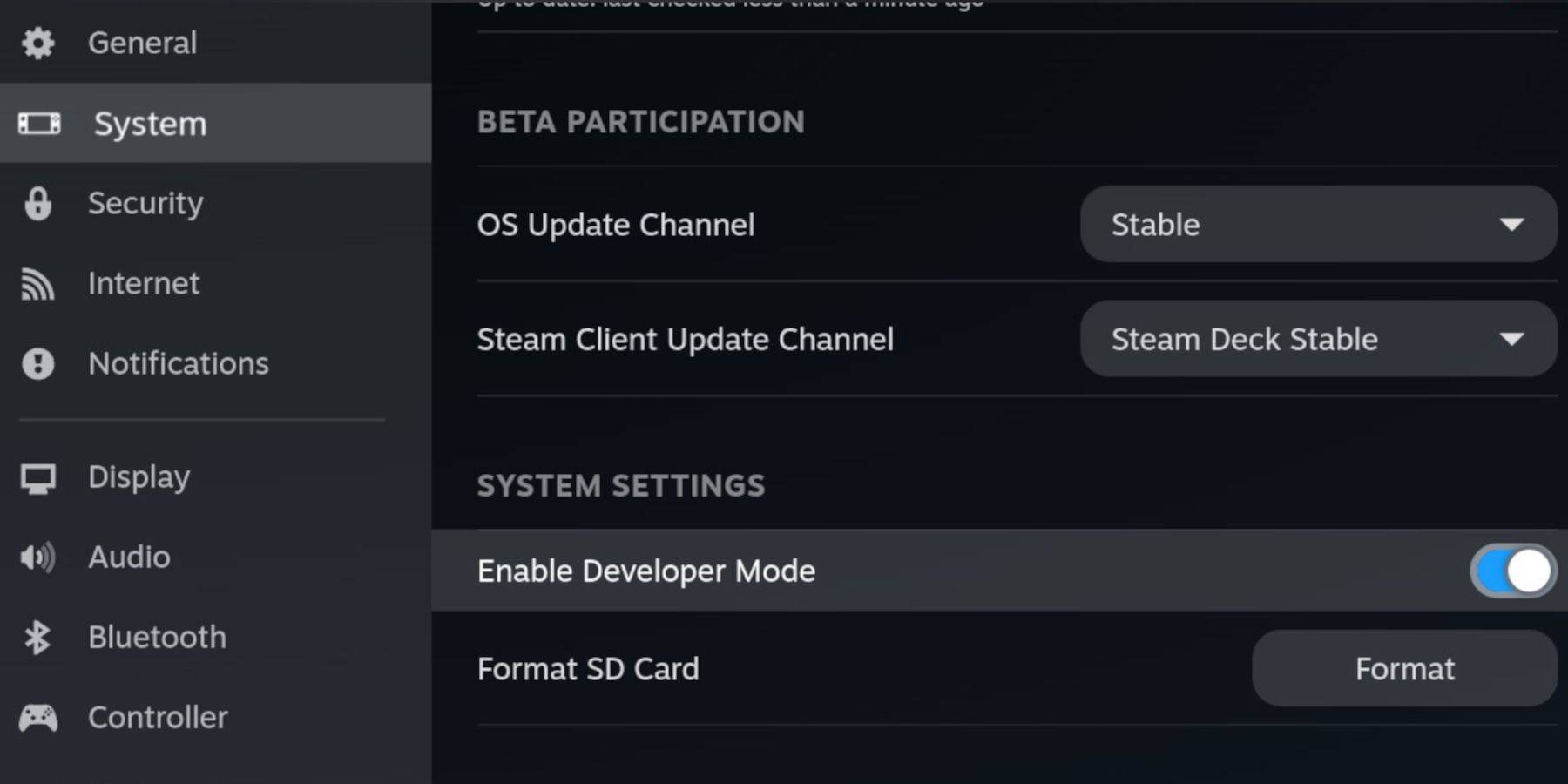 Enable Developer Mode and CEF Remote Debugging before installing EmuDeck to maintain compatibility with future updates.
Enabling Developer Mode
- Power on your Steam Deck.
- Access the Steam Menu (Steam button).
- Navigate to System > Developer Mode and enable it.
- Access the Developer menu and enable CEF Remote Debugging.
- Access the Power menu (Steam button) and switch to Desktop Mode.
Essential & Recommended Items
- High-speed A2 microSD card for EmuDeck and games.
- Format the SD card on the Steam Deck.
- Legally obtained Sega CD ROMs and BIOS files.
- Optional: Keyboard and mouse for easier file management.
SD Card Formatting
- Insert the microSD card.
- Access the Steam menu and select Storage.
- Format the SD card.
Downloading EmuDeck For The Steam Deck
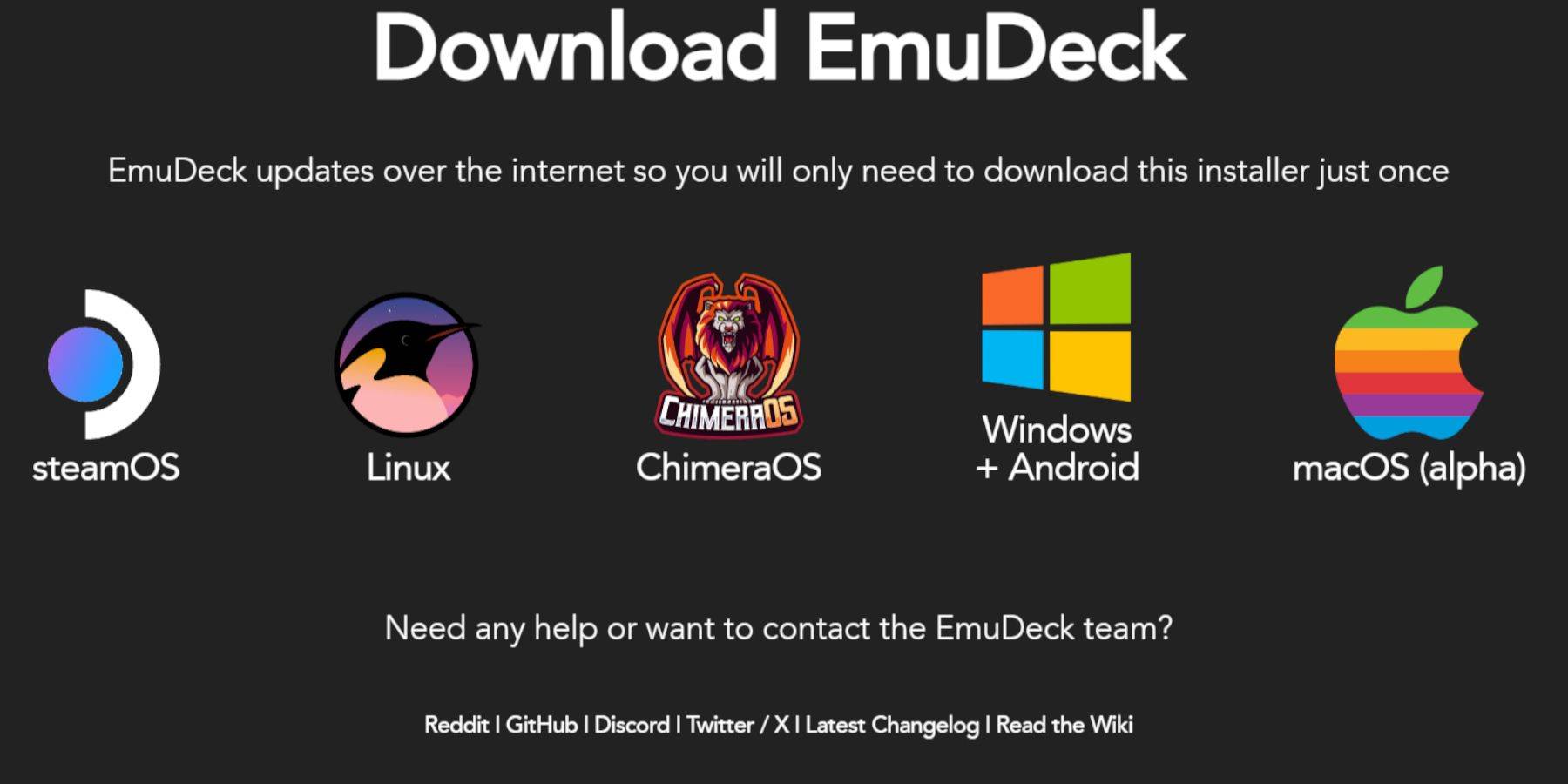
- Access the Steam menu, select Power, and switch to Desktop Mode.
- Download a browser (from the Discovery Store), download EmuDeck, selecting the Steam OS version.
- Run the installer, choose Custom installation, select your SD card, then Steam Deck.
- Select RetroArch, MelonDS, Steam ROM Manager, and Emulation Station (or all emulators).
- Complete the installation.
Transferring Sega CD Files
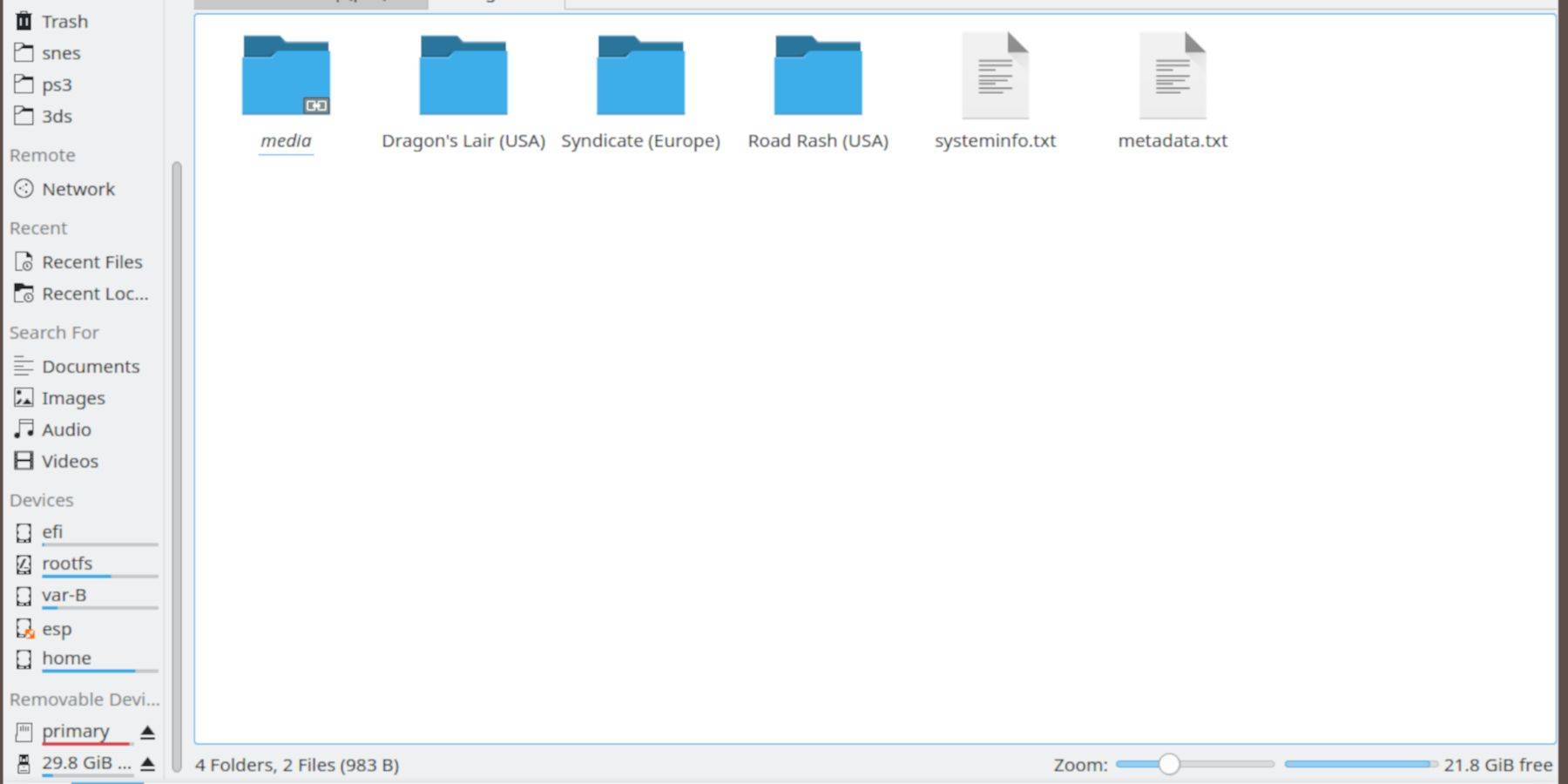 Transfer your ROMs and BIOS files to the correct folders.
BIOS File Transfer
- Open the Dolphin File Browser (Desktop Mode).
- Select the primary SD card.
- Navigate to
Emulation>BIOSand transfer your BIOS files.
Sega CD ROM Transfer
- Navigate to
Emulation>ROMS. - Open the
segaCDormegaCDfolder. - Transfer your ROMs.
Adding ROMs via Steam ROM Manager
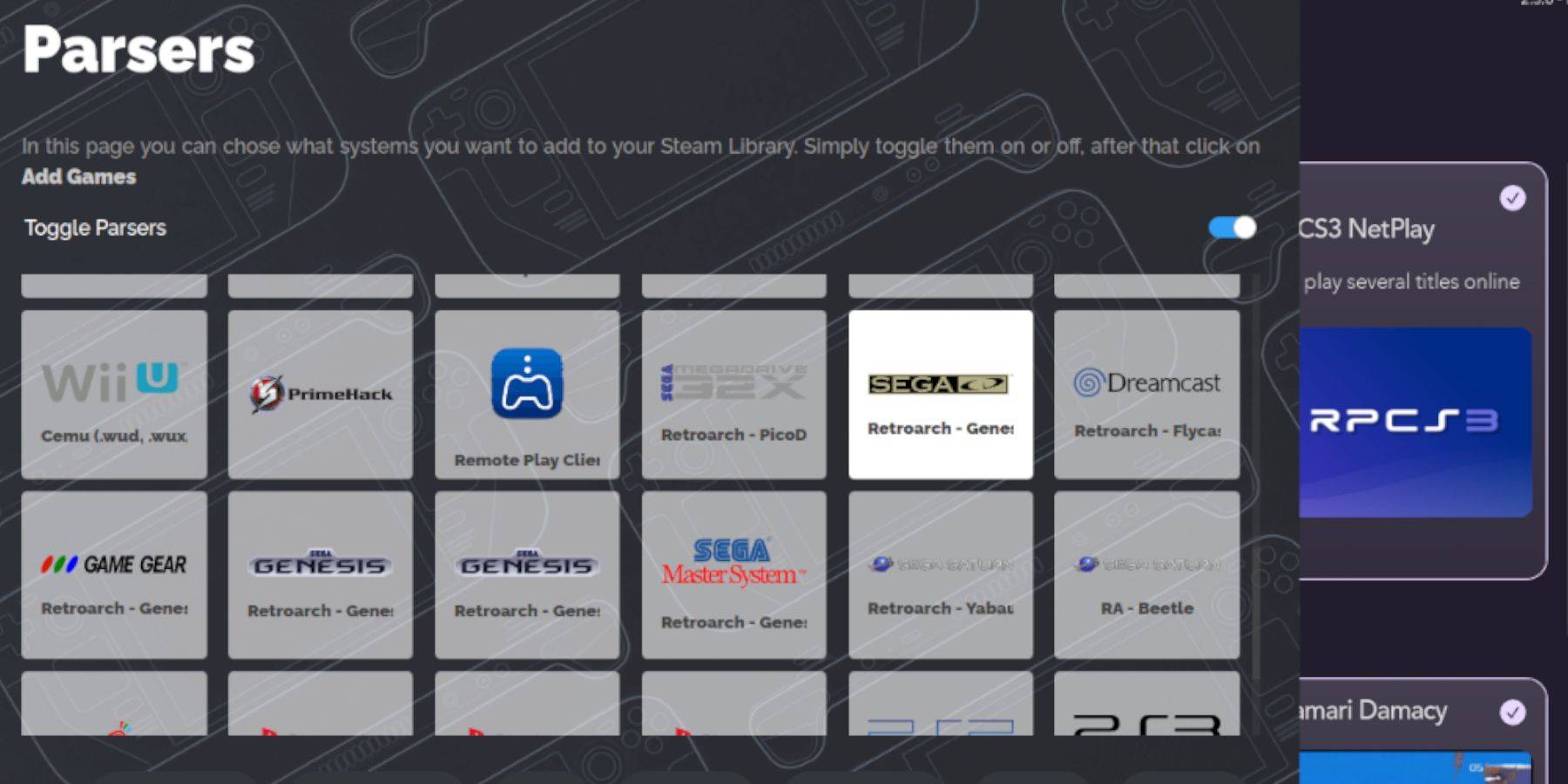 Add your Sega CD ROMs to the Steam Deck's game library.
- Open EmuDeck and Steam ROM Manager.
- Click Next, then Add Games, and Parse.
- Steam ROM Manager will prepare your games and covers.
Resolving Missing Covers
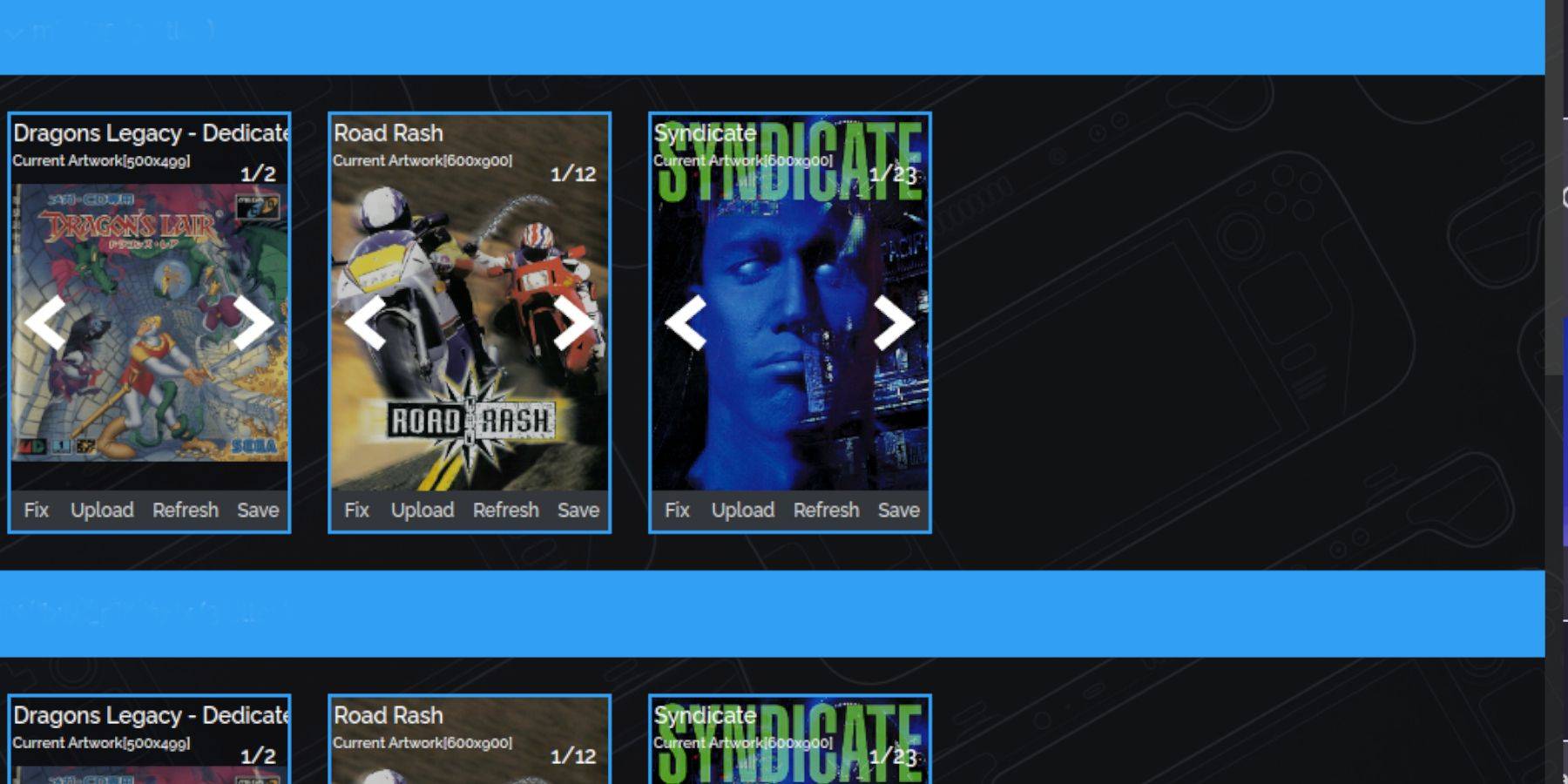 Address any missing game covers.
- If covers are missing, select Fix. Search for the game title.
- Select a cover, click Save and Close.
Adding Downloaded Covers
- Click Upload, locate your image, and select Save and Close.
- Close SRM and switch to Gaming Mode.
Playing Sega CD Games on Steam Deck
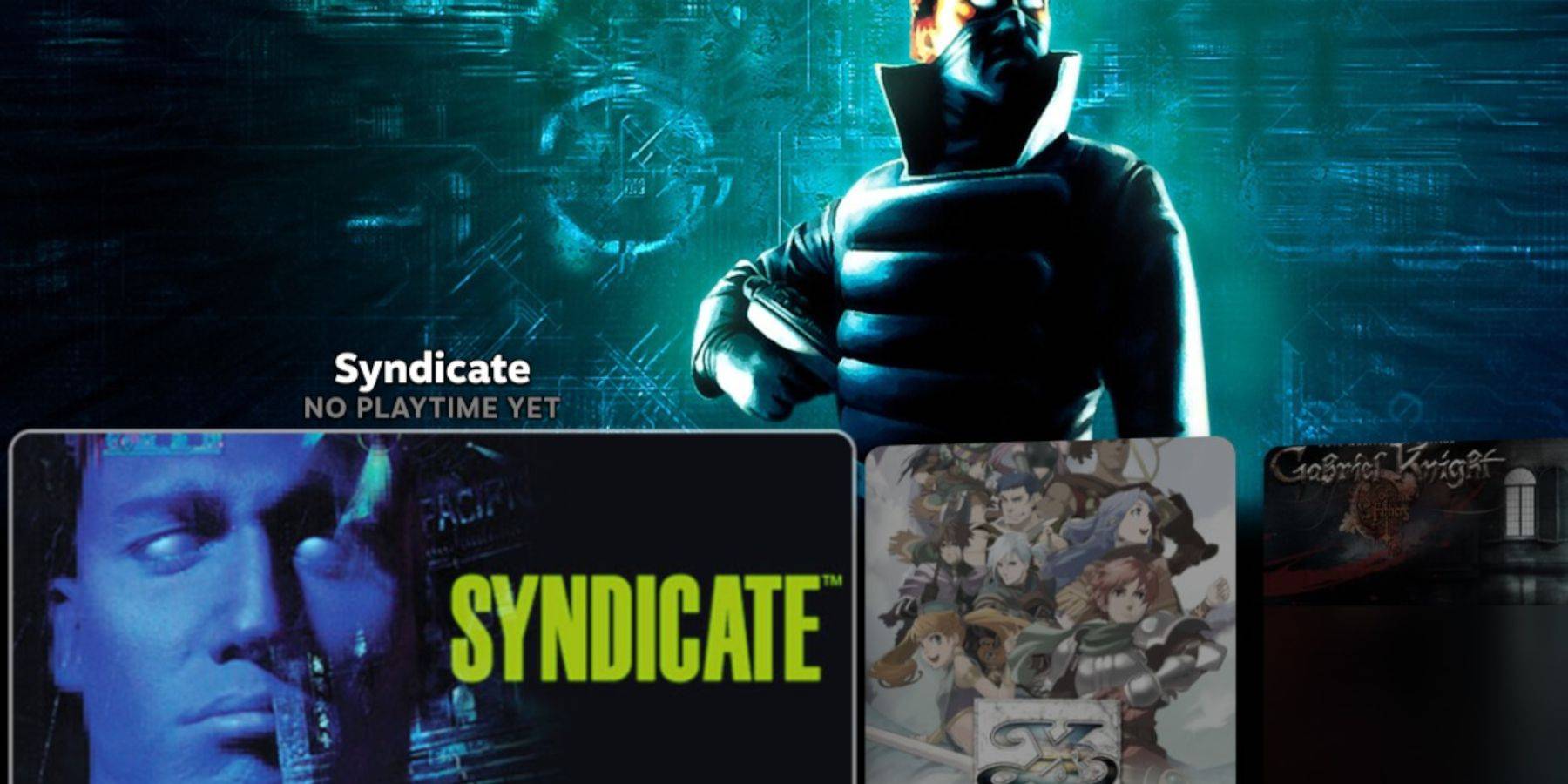 Access and play your Sega CD games.
- Access the Steam Library > Collections > Sega CD folder.
Utilizing Emulation Station
- Access the Steam Library > Non-Steam tab > Emulation Station.
- For multi-CD games, use Emulation Station's menu (Menu button > Scraper > TheGamesDB > Sega CD > Start).
Installing Decky Loader
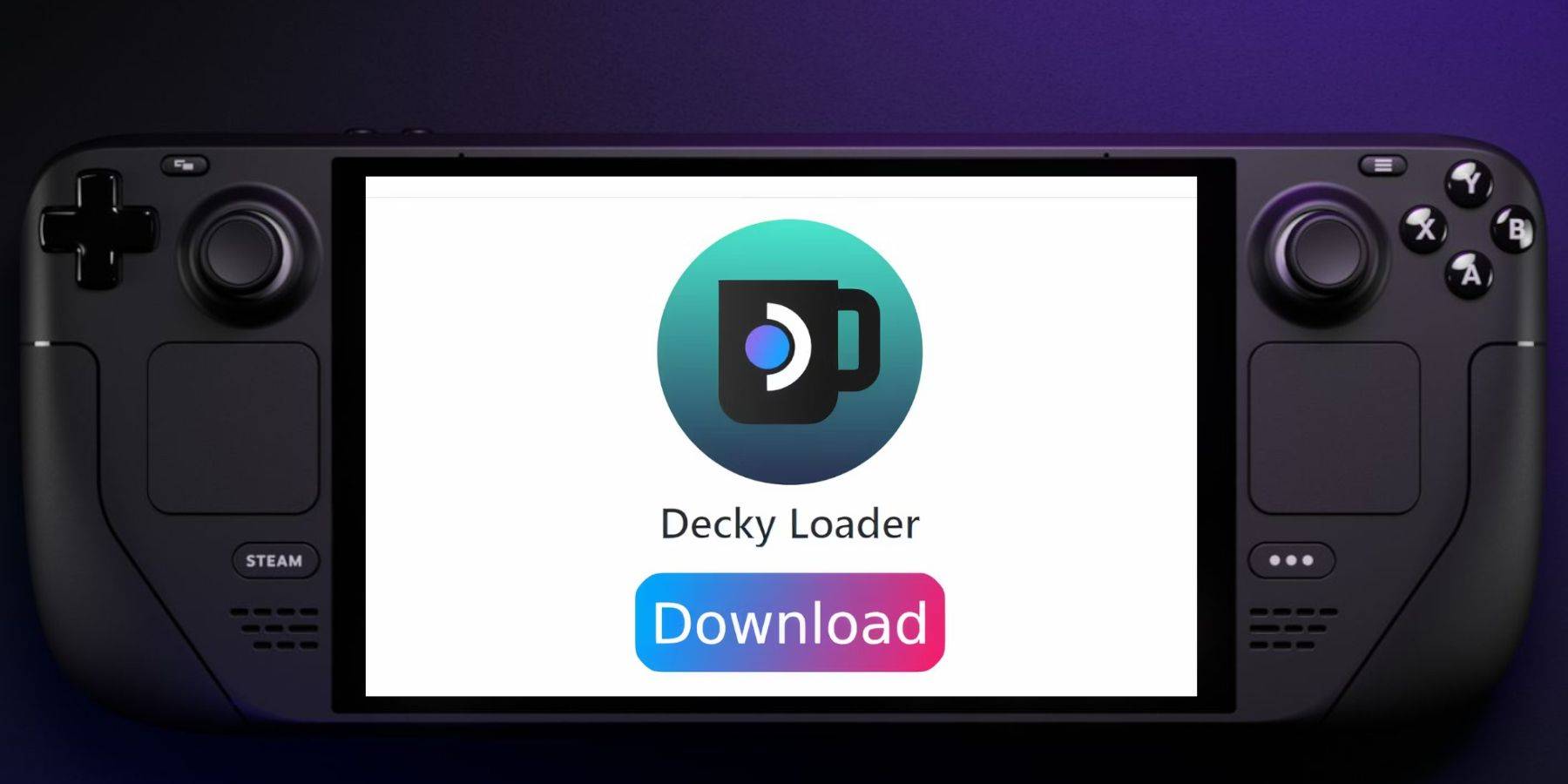 Install Decky Loader for Power Tools.
- Switch to Desktop Mode.
- Download Decky Loader from its GitHub page.
- Run the installer and choose Recommended Install.
- Restart the Steam Deck in Gaming Mode.
Installing Power Tools
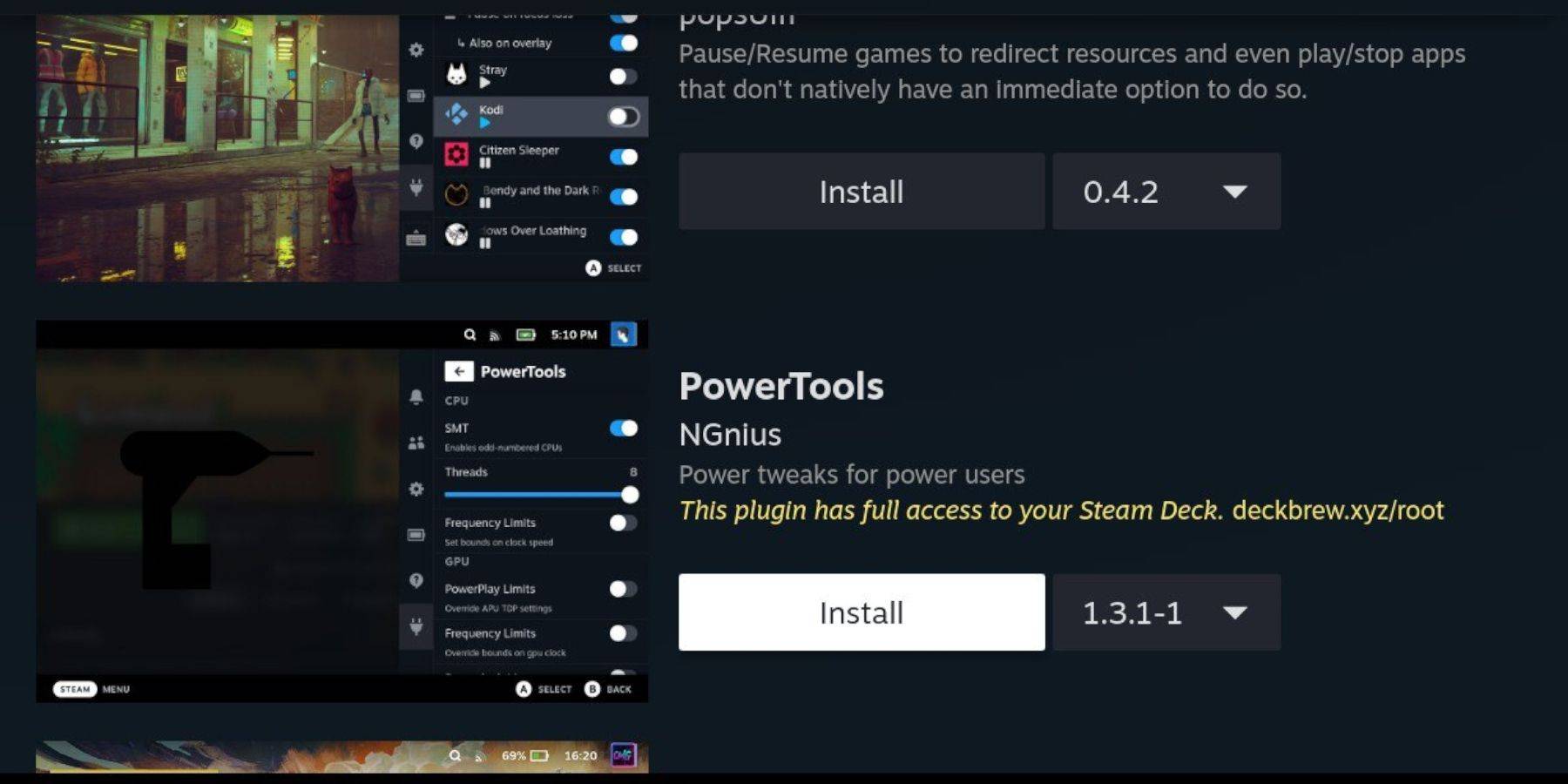 Install Power Tools via Decky Loader.
- Access the QAM, open Decky Loader, and select the store icon.
- Install the Power Tools plugin.
Optimal Power Tools Emulation Settings
- Launch a Sega CD game.
- Access Power Tools (QAM > Decky Loader > Power Tools).
- Disable SMTs, set Threads to 4.
- Access Performance (QAM > Performance), enable Advanced View, turn on Manual GPU Clock Control, set GPU Clock Frequency to 1200, and select Per Game Profile.
Restoring Decky Loader After a Steam Deck Update
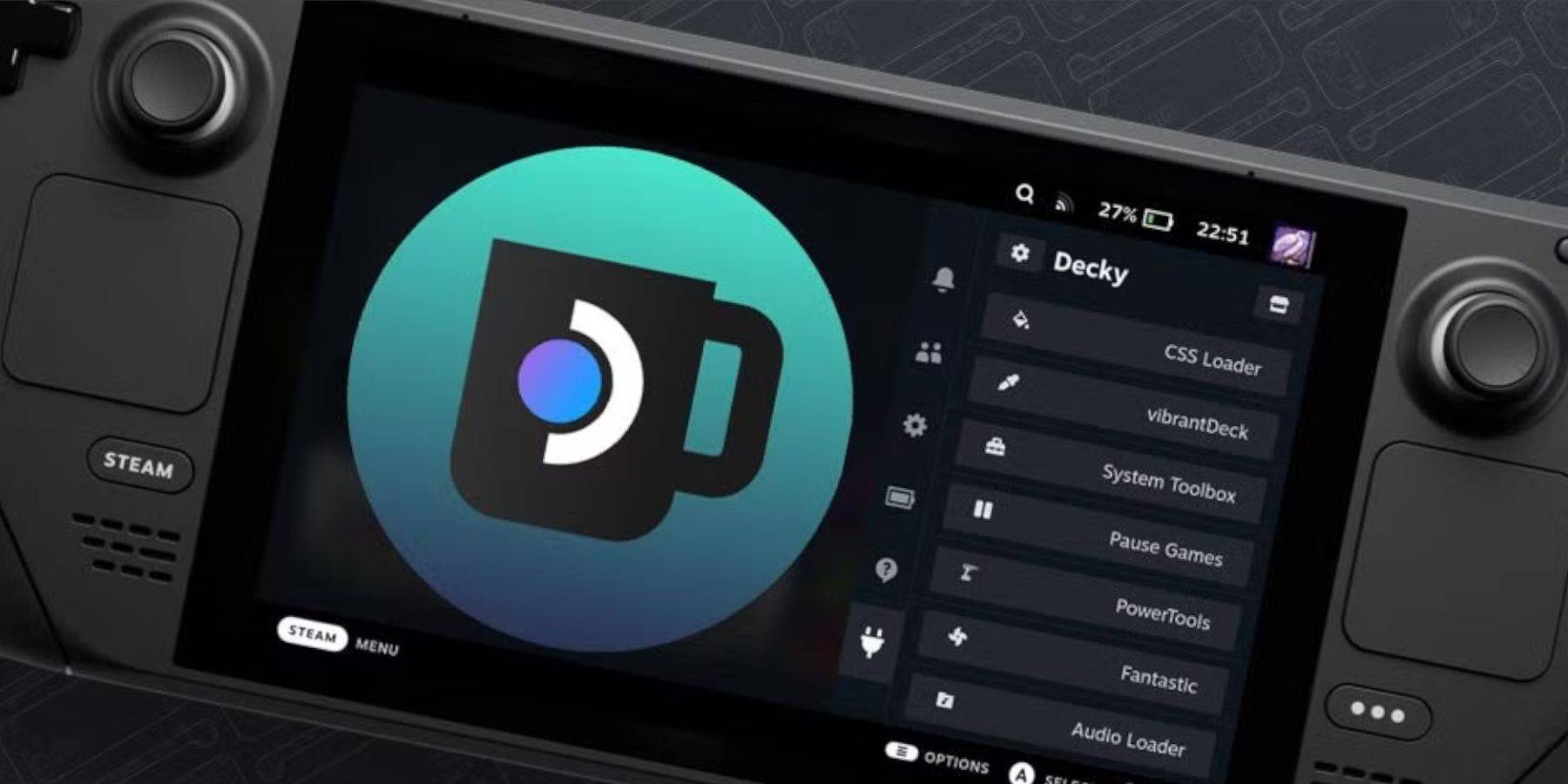 Restore Decky Loader after a Steam Deck update.
- Switch to Desktop Mode.
- Download Decky Loader from GitHub.
- Select 'Execute', enter your sudo password (create one if needed).
- Restart the Steam Deck in Gaming Mode.
This completes the guide on setting up and playing Sega CD games on your Steam Deck using EmuDeck.
 Latest Downloads
 Downlaod




 Top News








